www.atcom.cn 7
Chapter 2 Access to the IP08
You need a PC to access to the IP08, there are four ways for you to access the IP08:
1. Web page access by browser
2. SSH access by putty
3. Access by browser with Fallback IP Address
4. Console port access by RS232 console cable
In order to access to IP08 by the first three ways, you have to check that if your network
connection between IP08 and PC is OK. If you do not have network connection between IP08 and
PC, you can try to use the last way to access to IP08 and change the IP address for IP-08.
2.1 Web Page Access by Browser
It is the most convenient and common way to access the IP08, you just need to open your browser
and input the IP address of IP08 WAN port (the default IP address is 192.168.1.100). You would
better use Firefox instead of IE, because there are compatible issues.
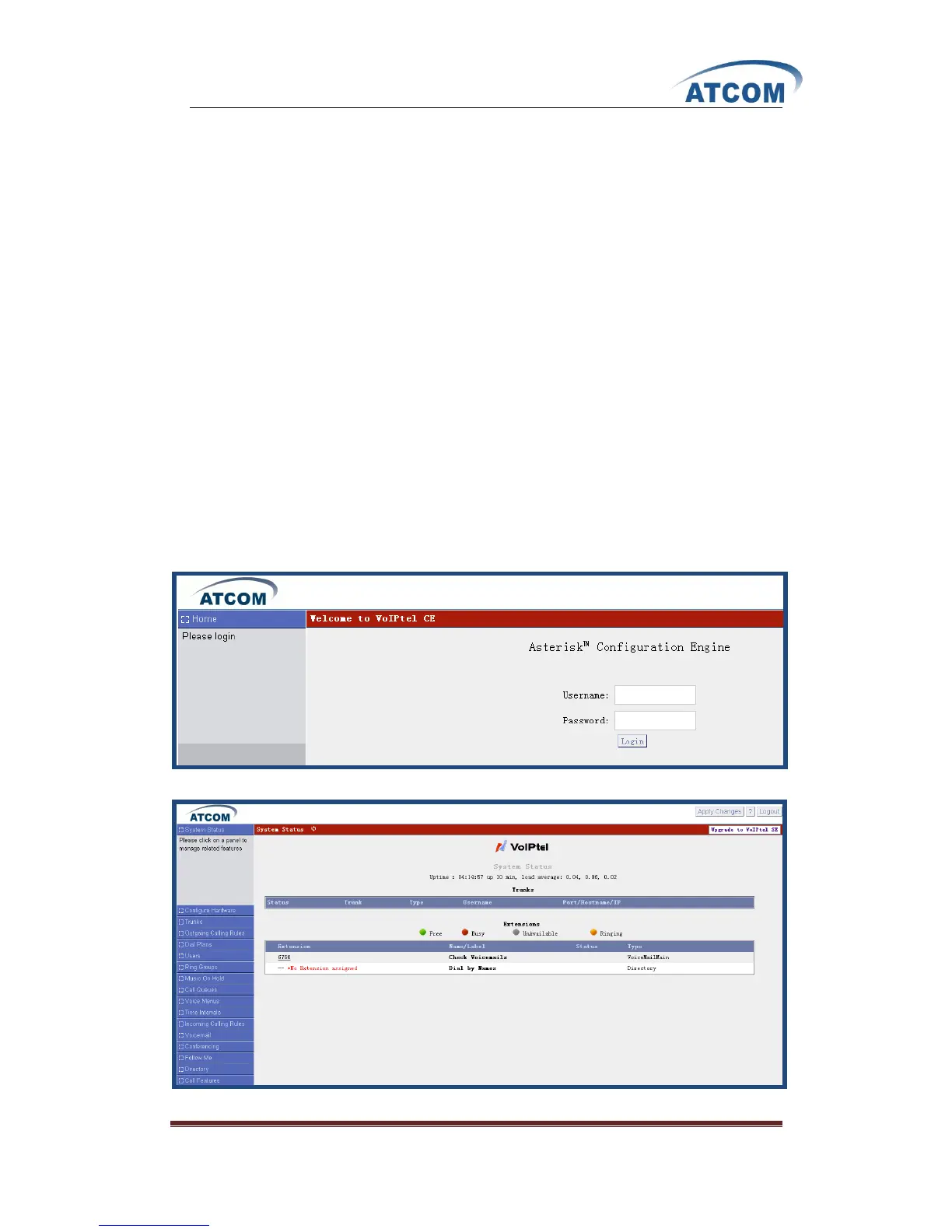
Then input the default Username: admin; Password: atcom (the password of old version is
mysecret) in the presented screen like the following:
When you login successfully, you can get the configuration web page as below:



 To Next Page