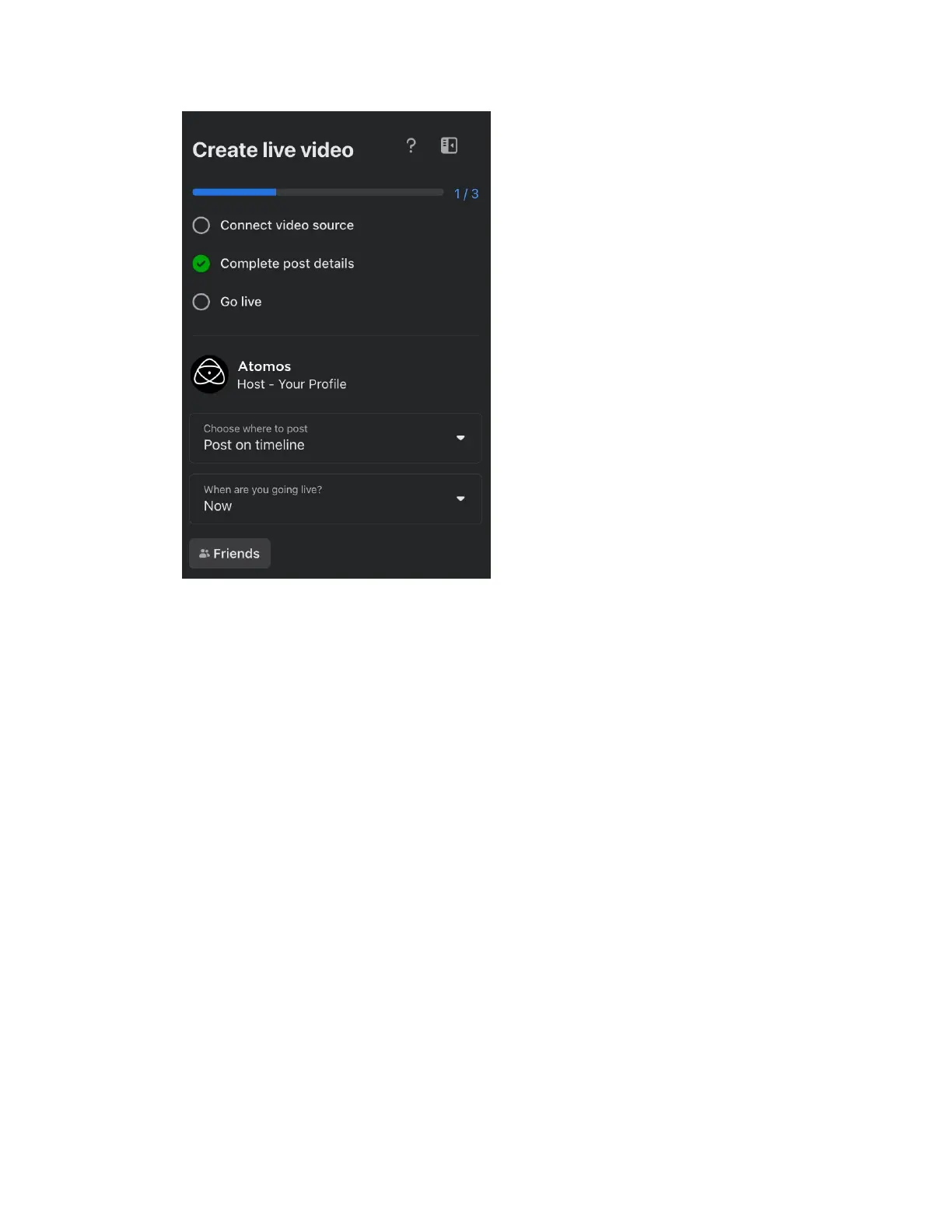
5. Click on the drop-down arrow at ‘When are you going live?’, to select when you want
to go live. Select Now to go live when you are finished adjusting the settings. If you
select Later, you can enter the date and time that you want to go live.
6. On the right side of the screen, you can add a title and description for the stream. A
tick-box also allows you to select whether to add to your story.



 To Next Page