Source Menu
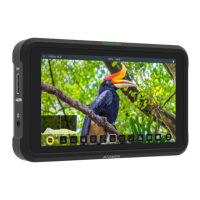
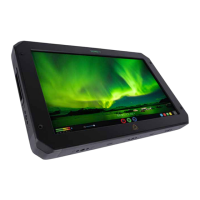
The Source menu allows you to select your Input Source, depending on your signal con-
nection and how you are using your NINJA V+.
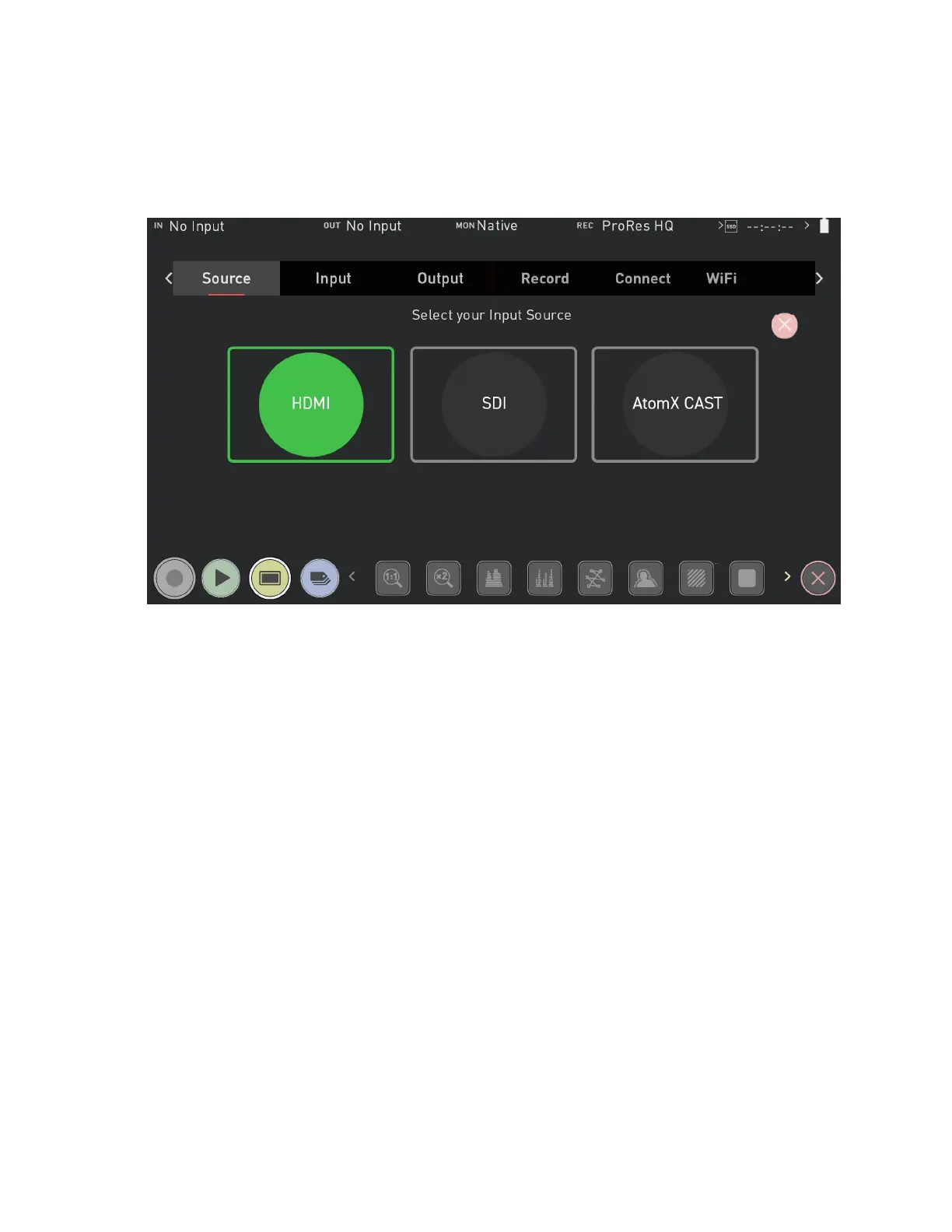
Select your Input Source
Select your Input Source from the options below. Once you have made a selection, tap
OK and your NINJA V+ will power down and reboot in the selected mode. Press cancel to
return to the selection screen.
HDMI
Selects the HDMI input on your NINJA V+. This mode should be used for standard NINJA
V+ operation when you do not have AtomX CAST connected.
SDI
For SDI sources connected to an AtomX SDI Module or ATOMOS CONNECT that is
attached to your NINJA V+. To be available for selection, an an AtomX SDI Module or
ATOMOS CONNECT needs to be connected before turning on the NINJA V+.



 To Next Page