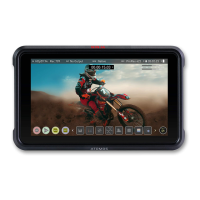
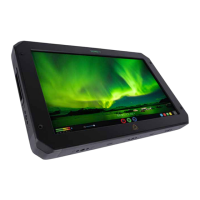
18. A preview screen will appear on the Facebook settings page with the image from your
camera
19. Click on the Go Live button, to start streaming to Facebook Live.
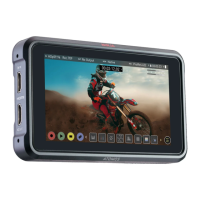
20. Tap the red LIVE button on your NINJA V+ display when you want to stop live stream-
ing to Facebook. You will be asked to confirm your decision. Tap Confirm to proceed.
21. Your device will stop streaming, and the LIVE button will turn white to indicate that
you are no longer streaming.



 To Next Page