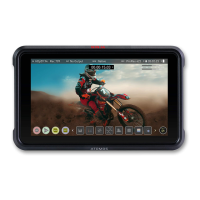
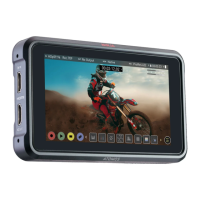
For optimal calibration it is recommended that your NINJA V+ is powered
for 30 minutes prior to calibration.
For remote operations via this port, ATOMOS supports both LANC in Sony and Canon
format. The NINJA V+ uses LANC Client so a LANC controller must first be attached to a
camera and the output taken out via a Y cable to the NINJA V+.
AtomXpansion Port (4)
Enhance your NINJA V+ through the built-in modular AtomXpansion port. Bi-directional
high speed video, audio and power are available. Expansion modules dock into the bat-
tery slot and can be stacked, passing power and offer advanced connections and func-
tions. www.atomos.com/accessories
HDMI in (5)
The video input is a full size HDMI 2.0a connection used to receive the video. This con-
nection also supports embedded audio and timecode if your camera or device sends these
out over HDMI. The image is both displayed and recorded to the ATOMOS mon-
itor/recorder storage media.
Embedded Audio
Most mirrorless cameras and camcorders send 2 channels of audio over HDMI but the
NINJA V+ can record up to 8 channels of digital audio embedded in the HDMI signal if sup-
ported.
HDMI Out (6)
This is for connection to an external monitor or other device with an HDMI input. It carries
a loop-through of the incoming HDMI signal in record and standby mode, and the play-
back signal when the NINJA V+ is in playback mode. This output is 2.0a and can carry
either a 4K or HD signal (with the option to down convert the 4K input to HD).



 To Next Page