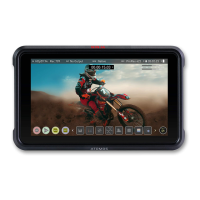
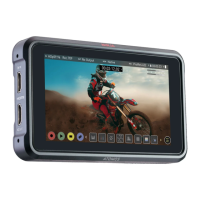
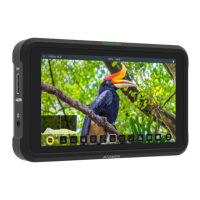
17. Your device will stop streaming, and the LIVE button will turn white to indicate that
you are no longer streaming.
18. To end the live stream from within YouTube, click on End Stream in the top right
hand corner of the screen.
For more information and details on creating a YouTube live stream, refer to
support.google.com/youtube/answer/2907883?hl=en



 To Next Page