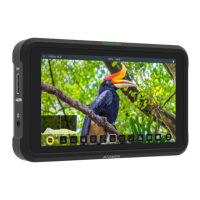
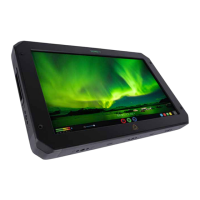
Playback Home screen
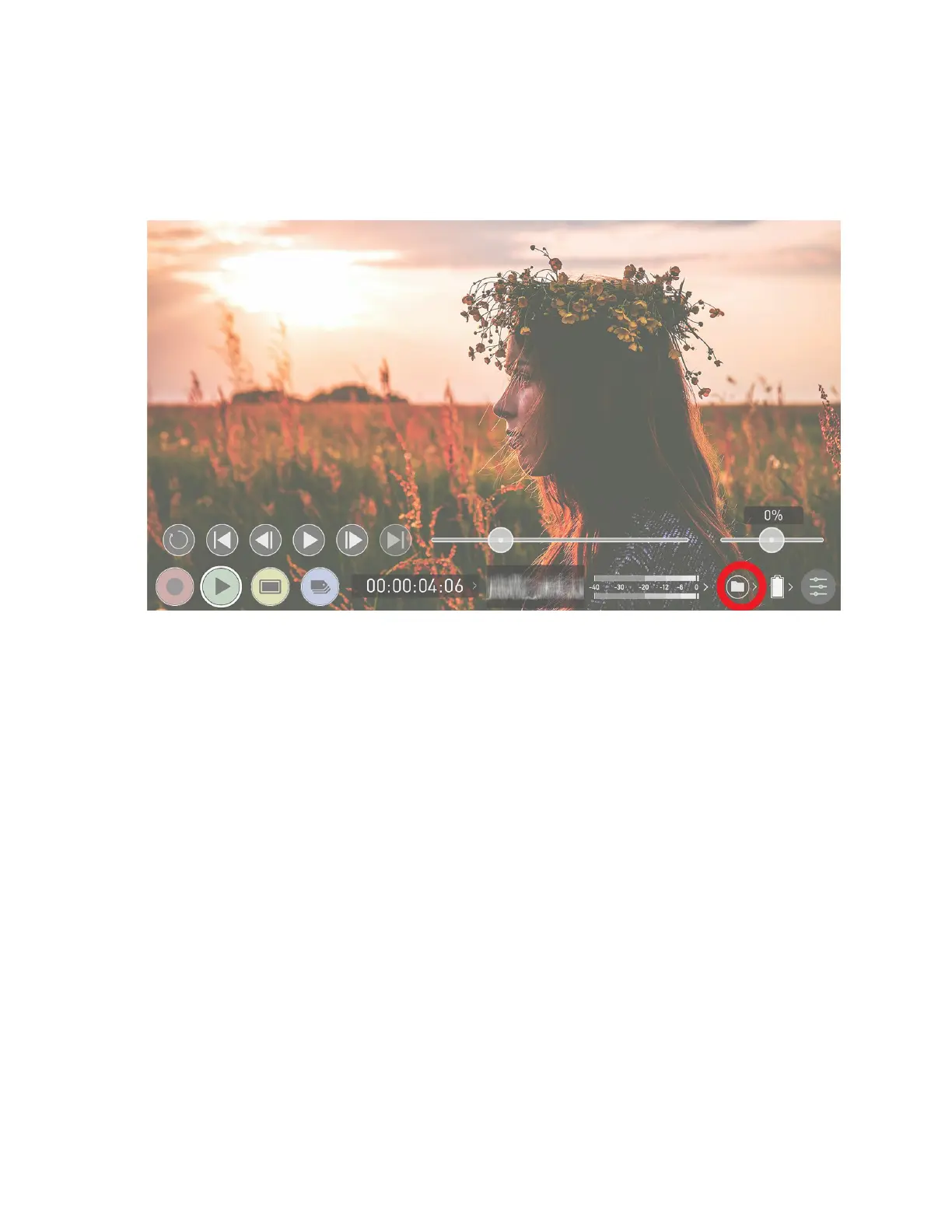
Touching the folder icon will reveal the available playlist.
NINJA V+ uses a unit name, scene, shot and take convention to name the clips. Select the
clip you want to play by touching the file name and this will start to playback. To exit the
playlist simply touch close, or any other button. Touching close will take you to the pre-
vious window.



 To Next Page