9. Synchronization
Each Recorder channel has Genlock input and output via BNC as well as LTC Time-
code input and loop output.
Please note that the output of the Genlock and LTC are only for loop out
and the SHOGUN STUDIO 2 cannot generate either Genlock or LTC
Timecode.
Operation of LTC can be found in the Timecode menu & operation of Genlock found in
the Output menu when in Playback mode.
10. RS422 9pin D-Sub
Each recorder has its own dedicated 9pin D-Sub for RS422 machine control. Simply
connect your RS422 cable from a qualified device or controller to the relevant port on
the SHOGUN STUDIO 2. A list of supported devices and RS422 commands are
defined in the user manual.
11. AC Power inputs
AC1 and AC2 inputs with IEC C14 sockets. Refer to SHOGUN STUDIO 2 User Manual
for more information.
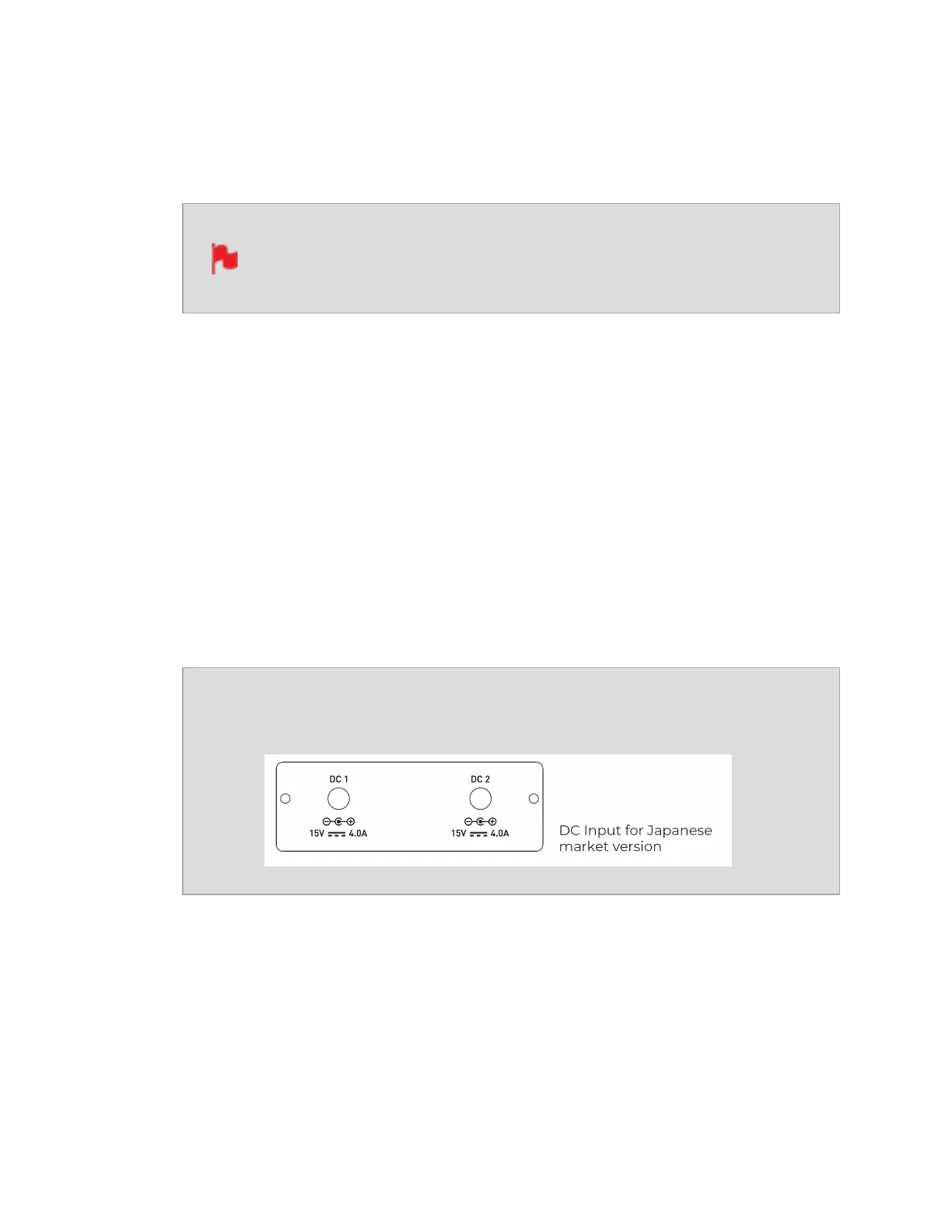
Units purchased in Japan will have a different power input con-
figuration, as pictured below.
12. USB Port
For SERVICE ONLY and should only be used if instructed to do so as part of firmware
updates.



 To Next Page