Attention
SC1000 use “Floating coordinate system” for cutting, which is the location of cutting head (after
cutting). SC1000 makes the docking location the same as the location of cutting head as default
(after cutting) and at the same time the place of graphics in the view section will be adjusted
accordingly.
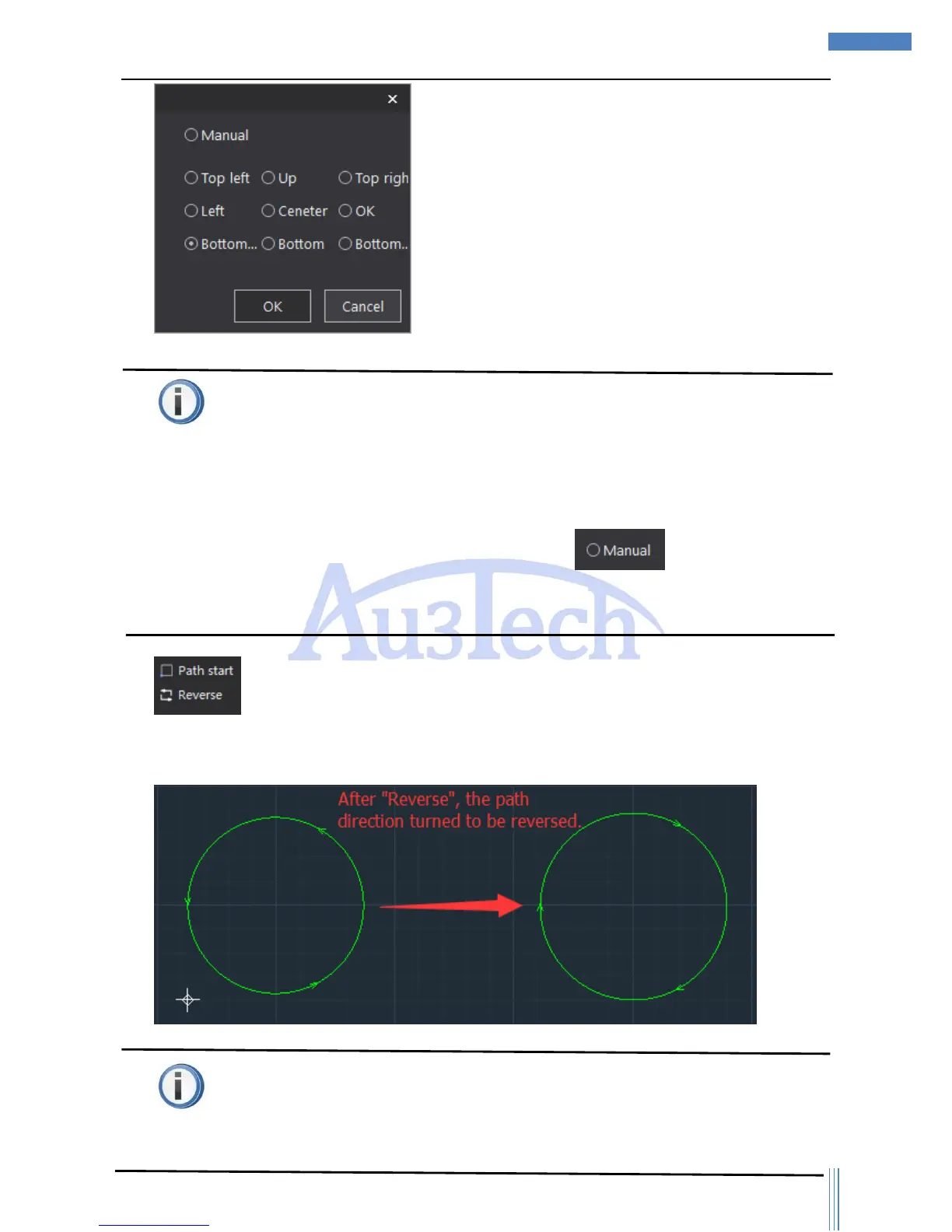
User can set up anyplace as the docking location through by clicking the icon of
“Home Ref” and then user would better simulate the cutting process to make sure all the cutting
graphics are inside the workpiece.
3) :User can change the path starting point through “Path start”. After click “Path start”,
user can choose any point on the graphic contour as the current path starting point by Mouse Left.
User can reverse the cutting path by click “Reverse”.
Attention
The places of lead line/gap and other related things will be adjusted accordingly after the changing



 To Next Page