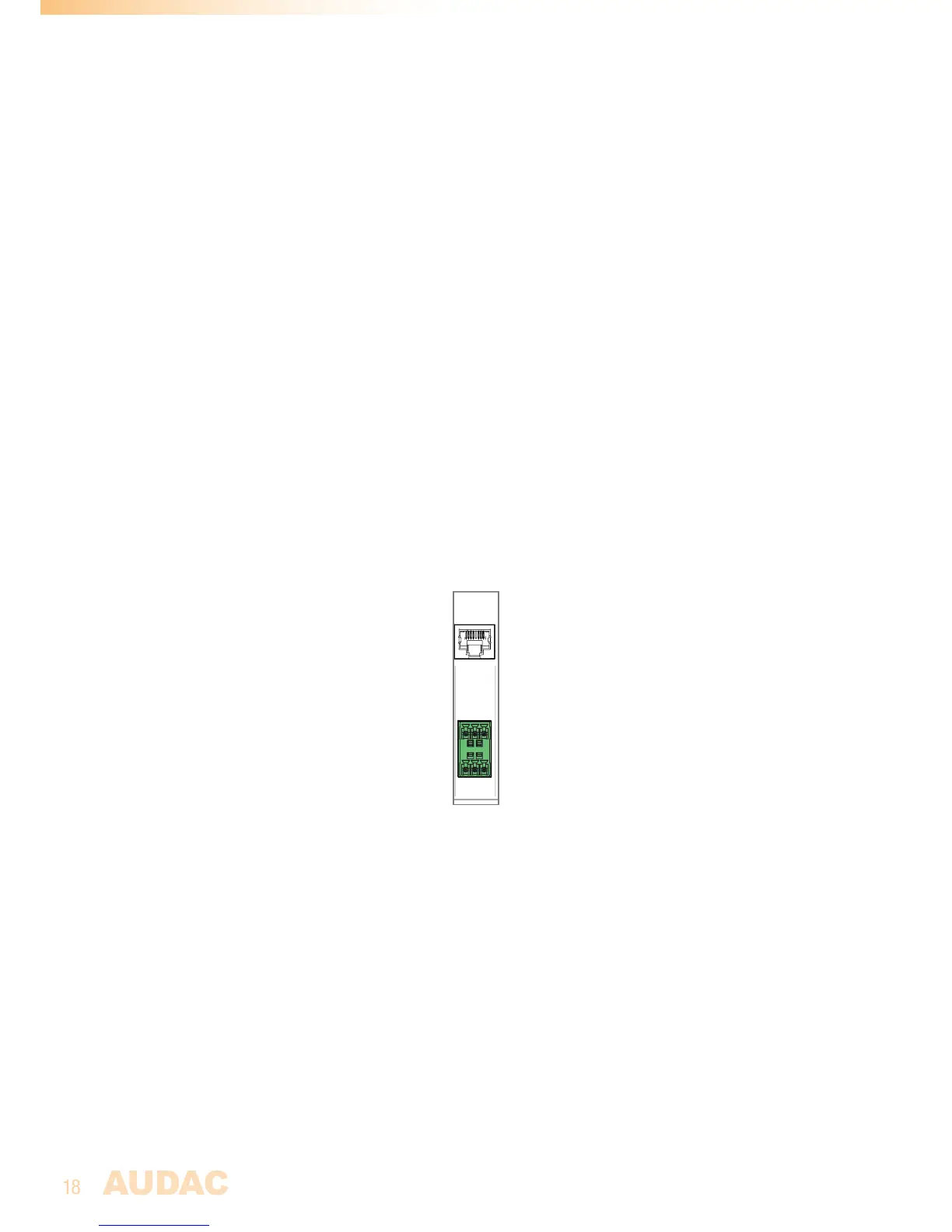
RS232 Connection:
TheRS232connectioncanbeusedtocontroltheMTXthroughexternalhardwaresuchas
anhomeautomationsystemorcomputer.Connectyourexternalcontrolhardwaretothis
port.Thepinoutandcommunicationsettingsaredescribedinanearlierchapterofthis
usermanual.ThecompleteRS232commandinstructionsetandconfigurationinformation
canbedownloadedfromtheAUDACwebsite.
Ethernet RJ45 Connector:
ThisconnectorshouldbeconnectedtoaLANNetwork.Thismakesitpossibletocontrol
theMTXoverEthernet.ThecontrolcanbedonebysendingcommandsoverTCP/IP,bya
devicewithastandardwebbrowsersupportingflashorbyusingspecialappswhichare
designedtobeusedincombinationwithmobileapplications.(Smartphones&Tablets)For
moreinformationabouttheEthernetconfigurationofthisdevice,check‘Chapter4:User
interface&Configuration’and‘Chapter6:IPBasics’ofthisusermanual.
Paging RJ45 Connector:
The(optional)MPXpagingconsolesmustbeconnectedtothe‘PAGING’RJ45connector.
Thisallowstoannouncemessagesthroughthemicrophoneofthepagingconsoletoall
thezonesoftheMTX.Theselectionofwhichannouncementsshouldbemadeinwhich
zonecanbedoneonthecontrolpaneloftheMPXpagingconsoles.(MPX48-4zonefor
MTX48andMPX88-8zoneforMTX88)
Wall Panel & Zone output connectors:
Wall Panel RJ45 Connectors:
EveryzonehasitsspecificWallPanel(WP)RJ45connectorwheretoadditionalwall
panelscanbeconnected.EveryzonehasthepossibilitytoconnectanadditionalLineand
Microphoneinputunitandmultiplewallpanelcontrollers.Ontheseportsarebothdigital
RS485controlsignalsaswellasdifferentialaudiosignalstransmitted.
Zone outputs (Terminal Block):
ThezoneoutputsoftheMTXarestereo(switcheabletomono)balancedline-level
outputs.Dependingontherequirementsforeachspecificapplication,thesuitable
amplifiersshouldbeconnectedtotheseoutputconnectors.Theusedconnectorsare
3-pinTerminal-Blockconnectors.



 To Next Page