Calling 45
Requirement: Telephone mode is active ⇒ page 43 and the
speller is shown in the display ⇒ page 44, fig. 52.
Entering telephone numbers using a number
sequence
– Enter the phone number using the speller.
– Confirm your entry by rotating the speller to OK and then
pressing it, or
– Press the control button Dial. After the connection has
been made, the audio source is muted.
Entering telephone numbers using a letter
sequence
– Enter an area code e.g. 1 800 using the speller ⇒ page 44,
fig. 52.
– To change to the letter speller, rotate the speller to A-Z
⇒ page 44, fig. 52 and press the control knob. The letter
speller appears in the display ⇒ page 44, fig. 53.
– Use the speller to enter a series of letters, e.g. AUDISER-
VICE ⇒ page 44, fig. 53.
– Confirm your entry by rotating the speller to OK and then
pressing it, or
– Press the control button Dial. The entered telephone
number is dialed.
If a telephone number has been entered incorrectly, you can press
on the button to completely delete the telephone number
you entered in the speller.
Tips
• DTMF tones are entered directly through the speller or loaded
from the stored telephone numbers ⇒ page 45.
• The active audio source is muted during a telephone call. The
status bar displays the mute symbol ⇒ page 9, fig. 5.
• You can initiate a phone call directly from your cell phone. Read
the Owner's Manual of your cell phone to find out how to do this.
• If you make calls on your cell phone, it is possible that the tele-
phone number will not appear on the MMI Display.
• You can also make phone calls using the multifunction steering
wheel*.
Applies to vehicles: with cell phone package
Dialing from a list
Requirement: Telephone mode is active ⇒ page 43.
Searching and calling telephone numbers in a
list
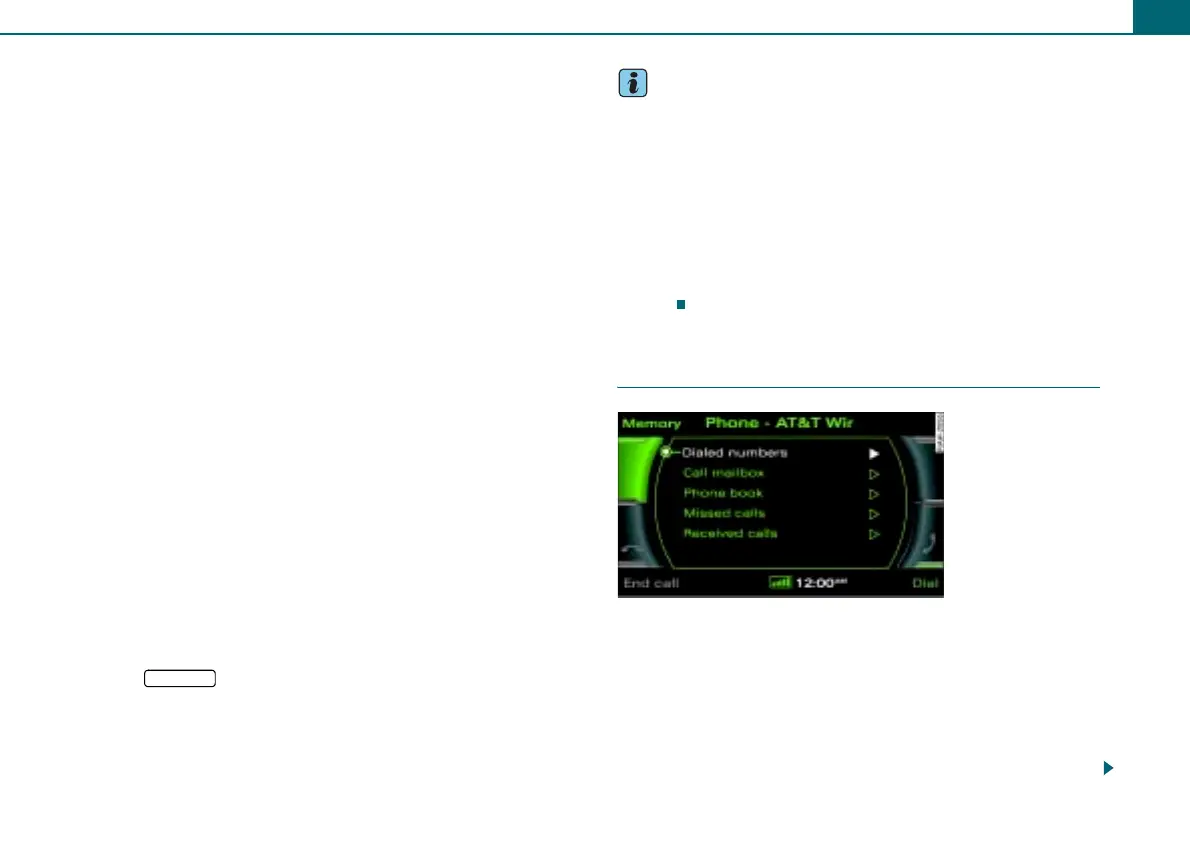
– Press the control button Memory.
–Rotate the control knob to Dialed numbers, Call mailbox,
Phone book, Missed calls, or Received calls.
1
RETURN
Fig. 54 Dialing a phone
number from a list



 To Next Page