55
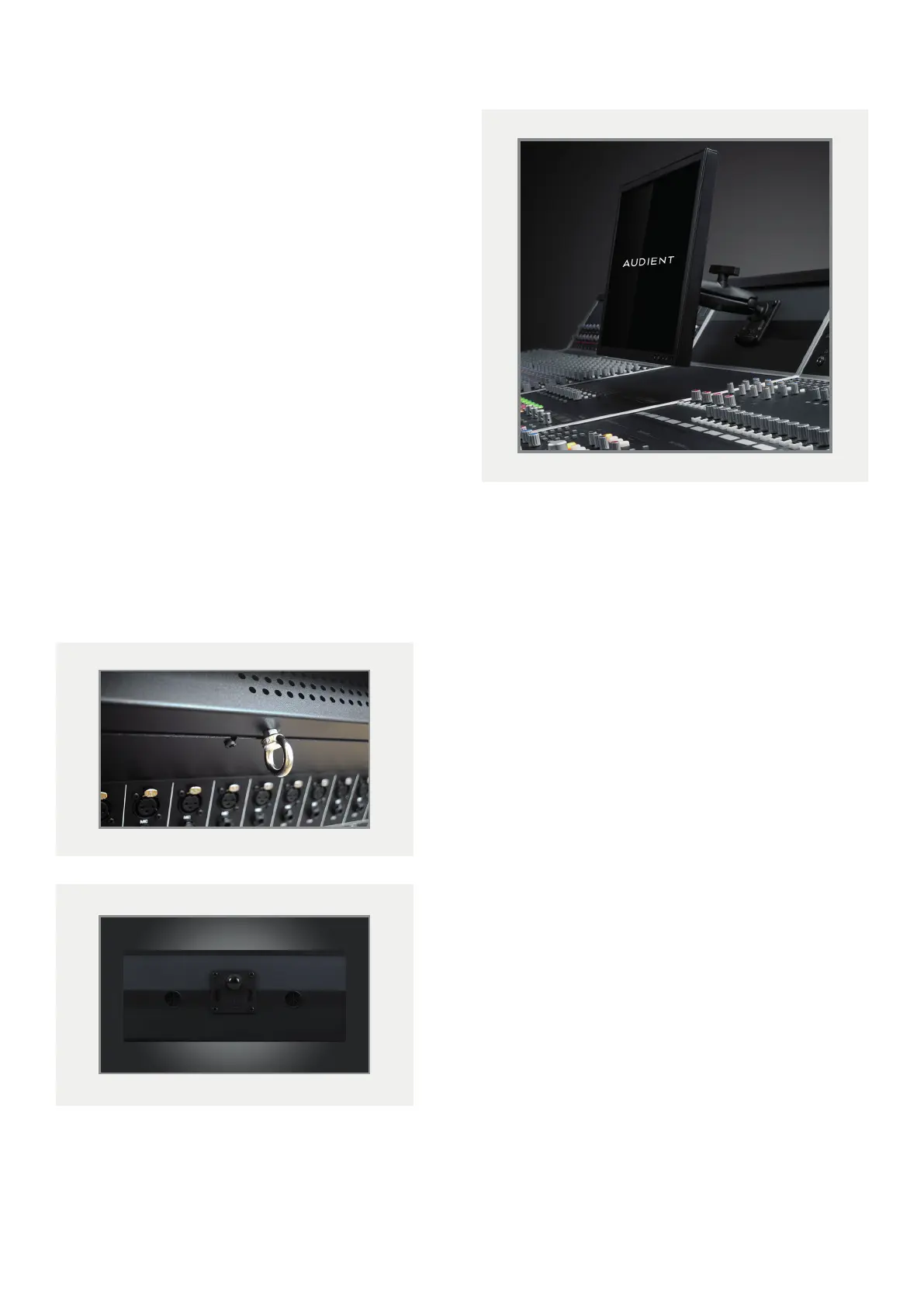
VESA Screen Mount
The VESA screen mount provides both 75 and 100mm
mounting options for TFT screens up to 19”.
Simply screw the VESA mount onto the back of the
screen using the four screws provided, then re-attach
the system to the ball joint on the console, making sure
it is tightly fixed.
To adjust, slightly loosen the clamp and set the ideal
position before tightening it again.
Cable Entry Meter Pod
The Cable Entry Meter Pod allows you to feed cables
through the console oering a much neater console
surface.
To wire cables through the console:
1 Unscrew a rectangular blanking panel found
underneath the console.
2 Carefully unscrew and lower the rear connector
panel, making sure to remove the cable hooks as
well.
3 Remove the screws underneath the top wooden trim,
accessed from within the rear of the console.
4 Remove both the horizontal and vertical metal trims
on the console bucket containing the Cable Entry
Meter Pod.
5 Tilt the Meter Pod forward and feed the cable
towards the empty blanking panel.



 To Next Page