83
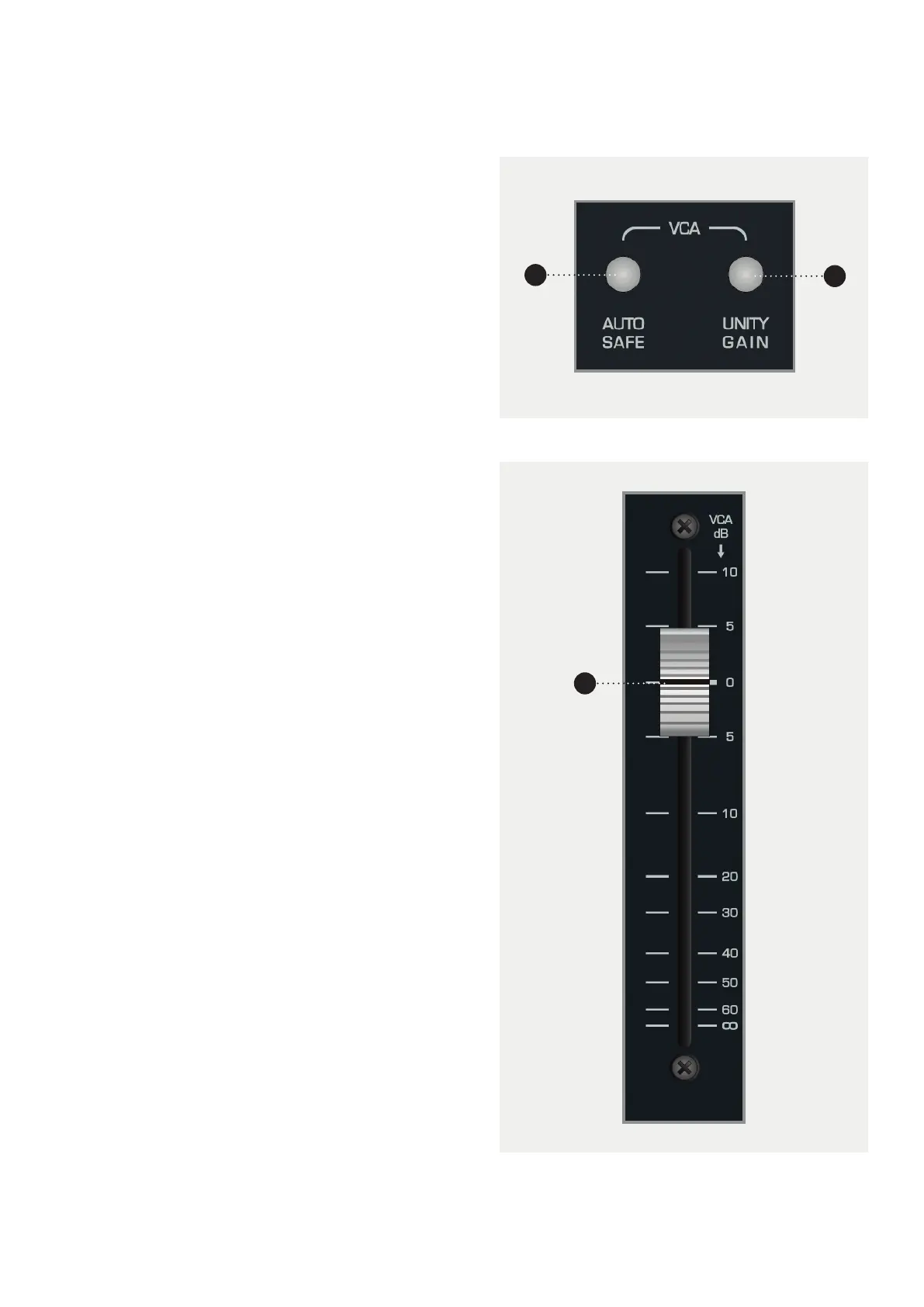
1 AUTO SAFE Press Auto Safe then engage the
Select button on any channel that you want to
completely isolate from automation control. Ideal
for trying out a new ride before recording a pass
of automation.
2 UNITY Press Unity then engage the select button
on any channel that you want to fix at unity gain
(0dB).
3 VCA FADER This fader is not directly in the audio
path of the channel, but rather acts as a control
fader, sending D.C. control voltage changes to the
VCAs, which provides attenuation, mute and +10
dB of gain “in-hand” above unity for the analogue
audio path.
The VCA analogue automation functionality is
particularly useful for automating the volume of
a signal post analogue dynamics processing.
VCA Functionality
There are two buttons on the right section of
DLC that are applicable in the Analogue Layer
when using analogue automation.
1
3
2



 To Next Page