75
Physical Connection
To physically connect DLC to your computer, plug a standard CAT5 Ethernet cable into the port located above the DLC
Network sticker on the rear of the console, and the other end into your computer (or router/switch).
Windows Installation
AuNet App
To achieve communication between DLC and the PC,
the AuNet app is needed. This creates the necessary
MIDI ports for your DAW to connect to DLC. This can
be downloaded from our website here.
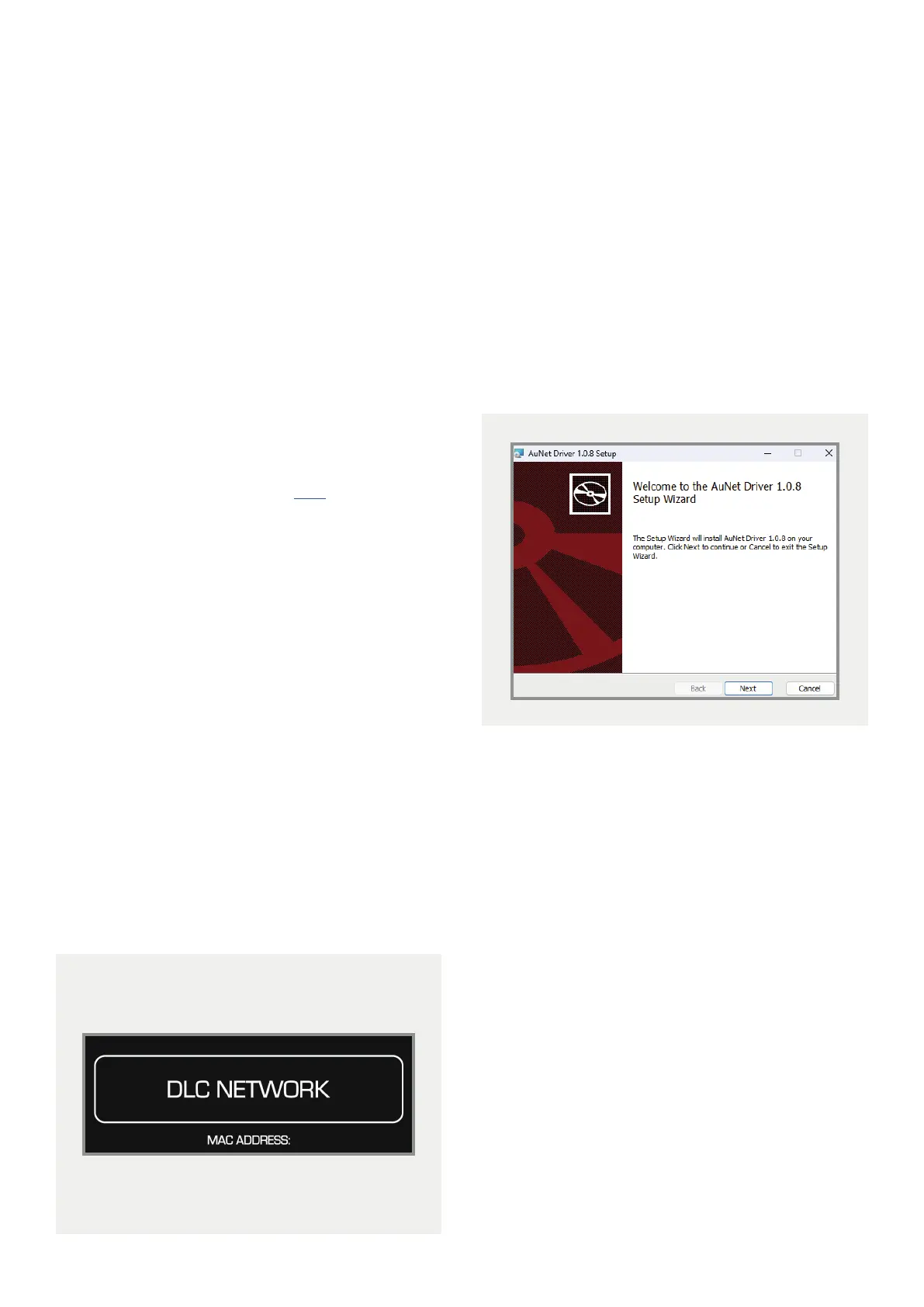
Once downloaded, double click on the file to begin
the installation process.
To enable the application to boot upon user login:
Find the AuNet app in the Start Menu, right click on it
and create a shortcut.
Right click on the shortcut and copy it.
Press Windows Key + R, and type “shell:common
startup”, this will open a folder containing the startup
apps for all users of the computer.
Right click inside the window and paste the AuNet app
shortcut. AuNet app will now open upon user login.



 To Next Page