page 7 – 4
D-70 / Apr 2000
V I R T U A L D I P S W I T C H
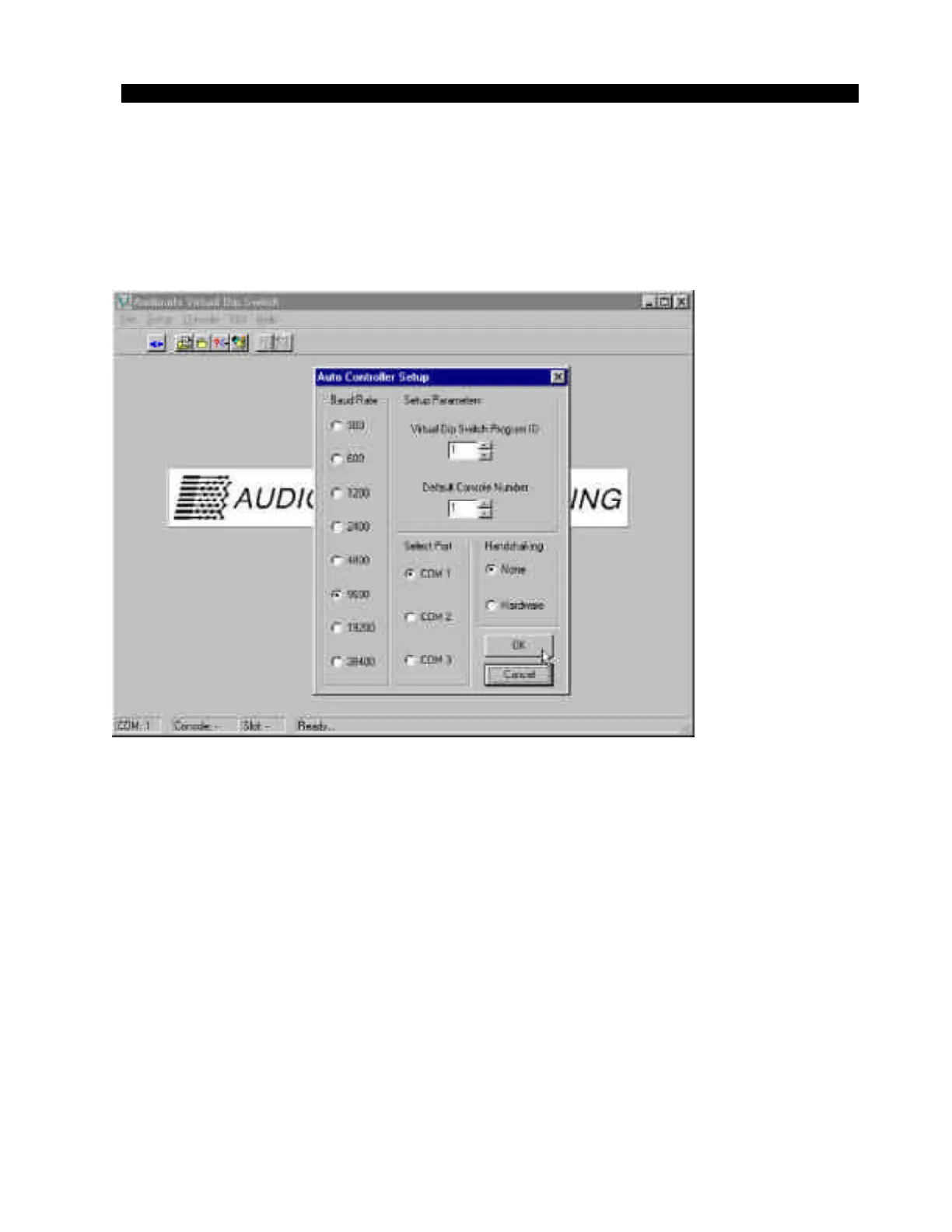
the standard setting (for networked operations this DIP switch setting must
be altered; consult Audioarts technical support). Leave the settings for
Baud Rate and Handshaking as shown in figure 2. Once the correct
“COM” port is selected, click on “OK” to accept these settings. Click on
“Connect” under the “File” menu to establish communications with the
D-70 (figure 3). Verify that the Console ID is set to “1” (standard setting).
Figure 2



 To Next Page