page 7 – 8
D-70 / Apr 2000
V I R T U A L D I P S W I T C H
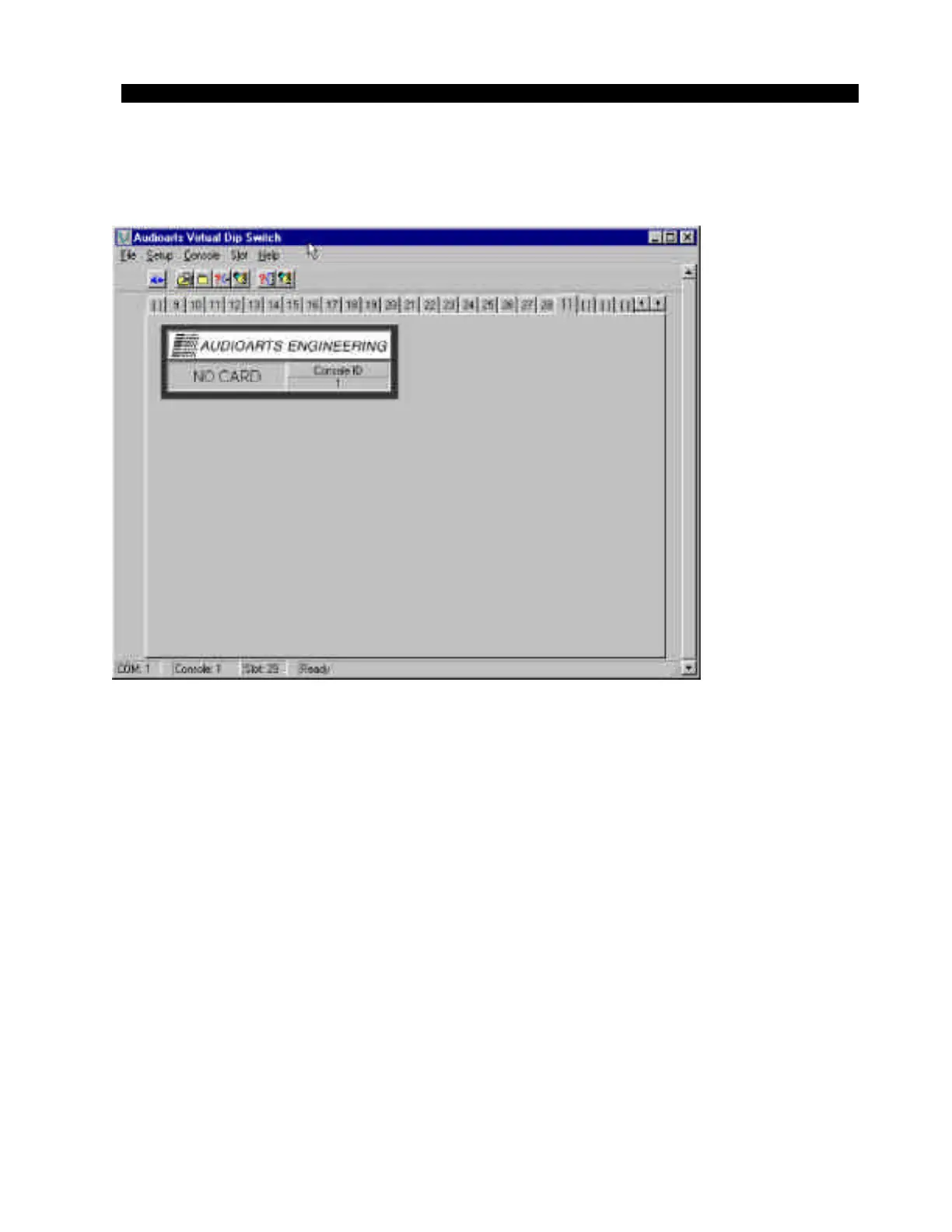
If you choose a slot number that has no module installed, the status screen
will show “NO CARD” (figure 7). By selecting each slot and changing
settings, the entire D-70 can be configured to suit your application.
Remember, you must select a channel to be modified before you can make
changes, and you must “Write Current” after making the changes to pass
them on to the console.
Input attenuation
This exclusive Wheatstone digital console feature allows the user to
digitally “trim” the gain back on any input module. While this feature is
most useful for reigning in “hot” digital domain sources on SRC input
modules, digital attenuation may also be applied to any analog microphone
or line level source. Note that the digital attenuation occurs after the analog
pre-amp stages, therefore, clipping in those stages can not be corrected
with this feature (use analog trim pots located on the input module).
Figure 7
D-70 / May 2001



 To Next Page