page 7 – 5
D-70 / Apr 2000
VIRTUAL DIP SWITCH
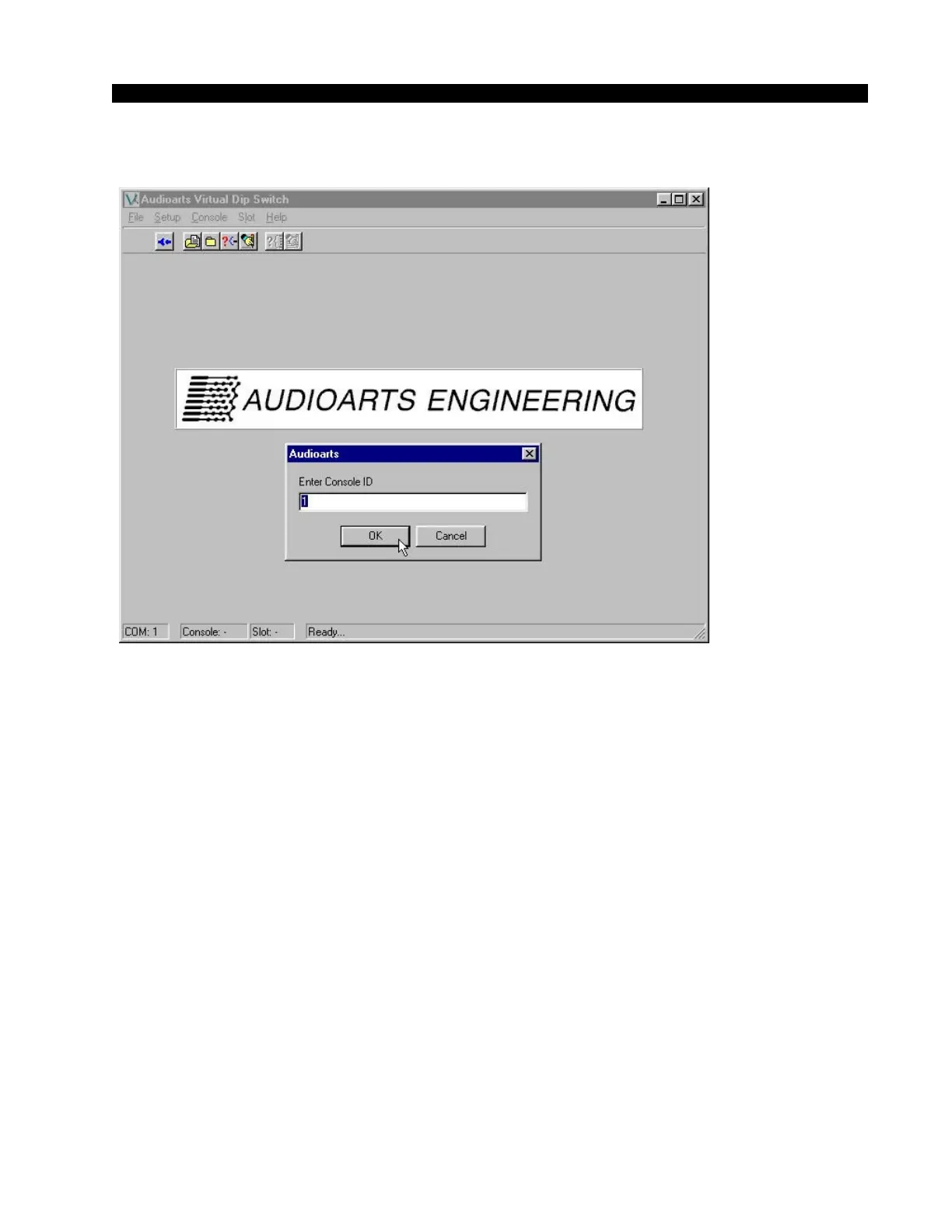
Figure 3
Using the program
Once you have established communications with the console, the
various screens and menus can be used to control the console functions.
The program will inquire about the current settings in the console (see
Figures 4, 5). This screen shows the status of all of the input module
functions, one module at a time. Functions can be changed by clicking on
the function with your mouse; a selected function shows a check box, a de-
selected function shows a blank box.
NOTE: For the 20 input frame, the first input position corresponds to
slot 9 on the VDip screens. For the 12 input frame, the first input position
corresponds to slot 17 on the VDip screens.
D-70 / May 2003



 To Next Page