page 7 – 7
D-70 / Apr 2000
V I R T U A L D I P S W I T C H
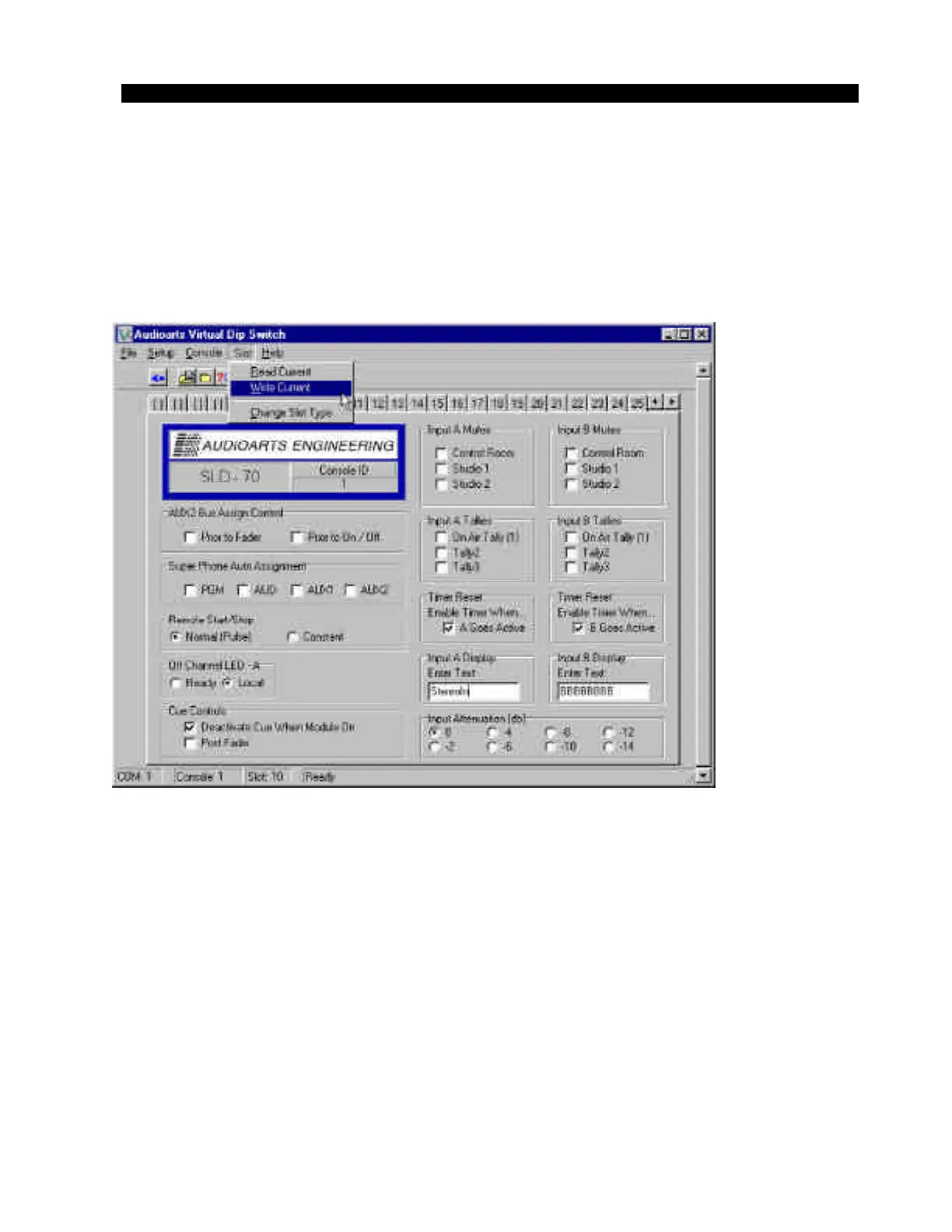
In a similar fashion, your mouse can be used to alter the console mutes
and other settings by clicking on the function to enable it on source “A”,
“B”, both, or neither. Once you have finished setting the configuration that
you wish for an input channel, you send the information to the console by
selecting “Write Current” under the “Slot” menu (figure 6).
The information is then sent to the console. To select another input channel
to modify, choose its corresponding slot number from the selection bar
near the top of the status display screen. The status screen will change to
show the type and settings of the module in the slot you have selected.
Figure 6
D-70 / May 2001



 To Next Page