page 7 – 11
D-70 / Apr 2000
V I R T U A L D I P S W I T C H
of “buttons” designed to perform routine tasks like “Write Current” and
“Read Current”. Moving your mouse pointer over a button and leaving it
there for a moment will bring up a short “hint” message on screen that
explains the button’s function. Also, under the “Console Configuration”
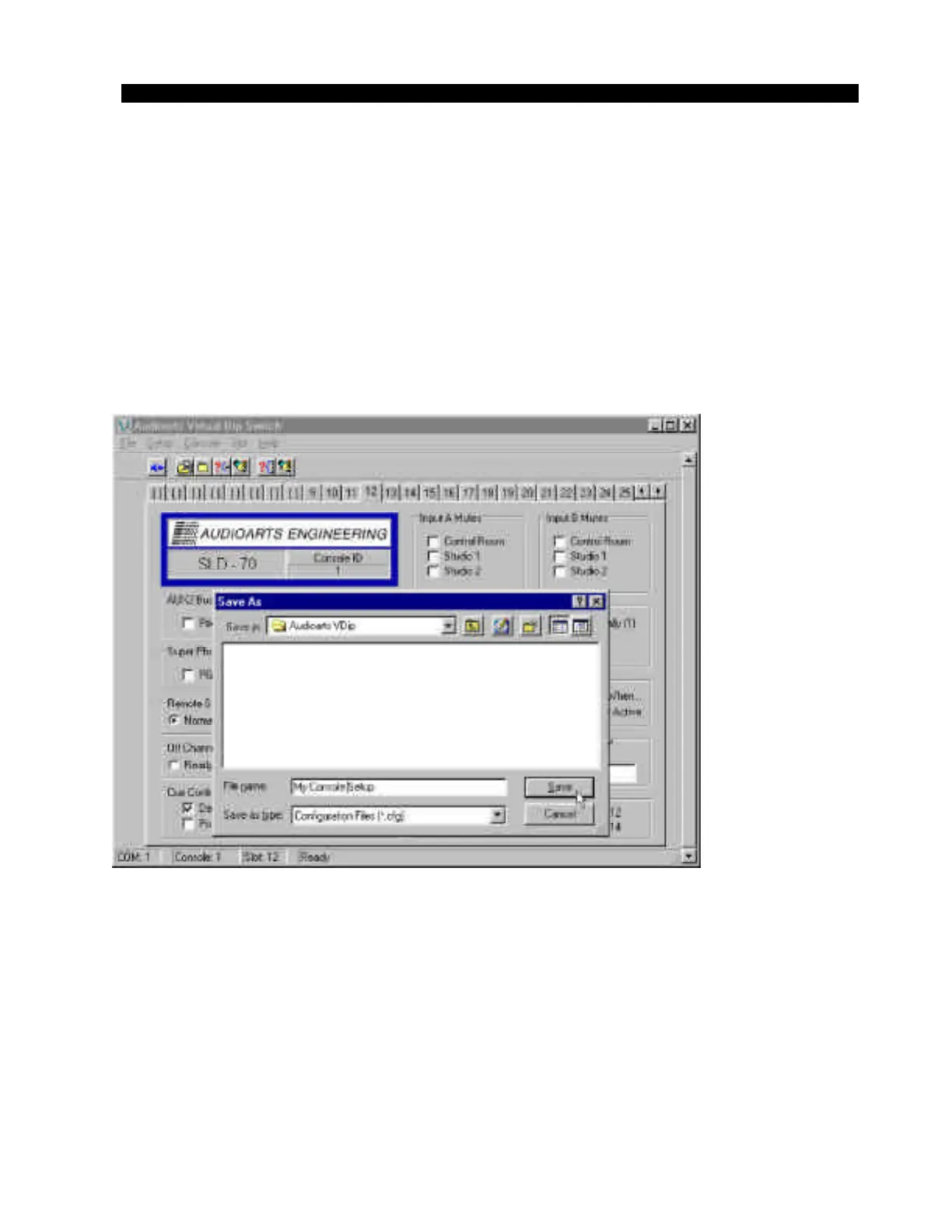
and “Slot Configuration” menus (under “File”) are functions called “Save
To File” (figure 9) and “ Load From File” (figures 10). Choosing “Save To
File” allows you to save all of the console settings under a filename which
you can retrieve later using the “Load From File” function. This makes it
easy to recall complex but repeatable text and settings information into the
console, especially if you name the file something obvious like “7am”, etc.
(figure 11).
You can have a large number of files saved, limited only by your ability
to give them suitable names.
Figure 11
D-70 / May 2001



 To Next Page