22
Web Settings
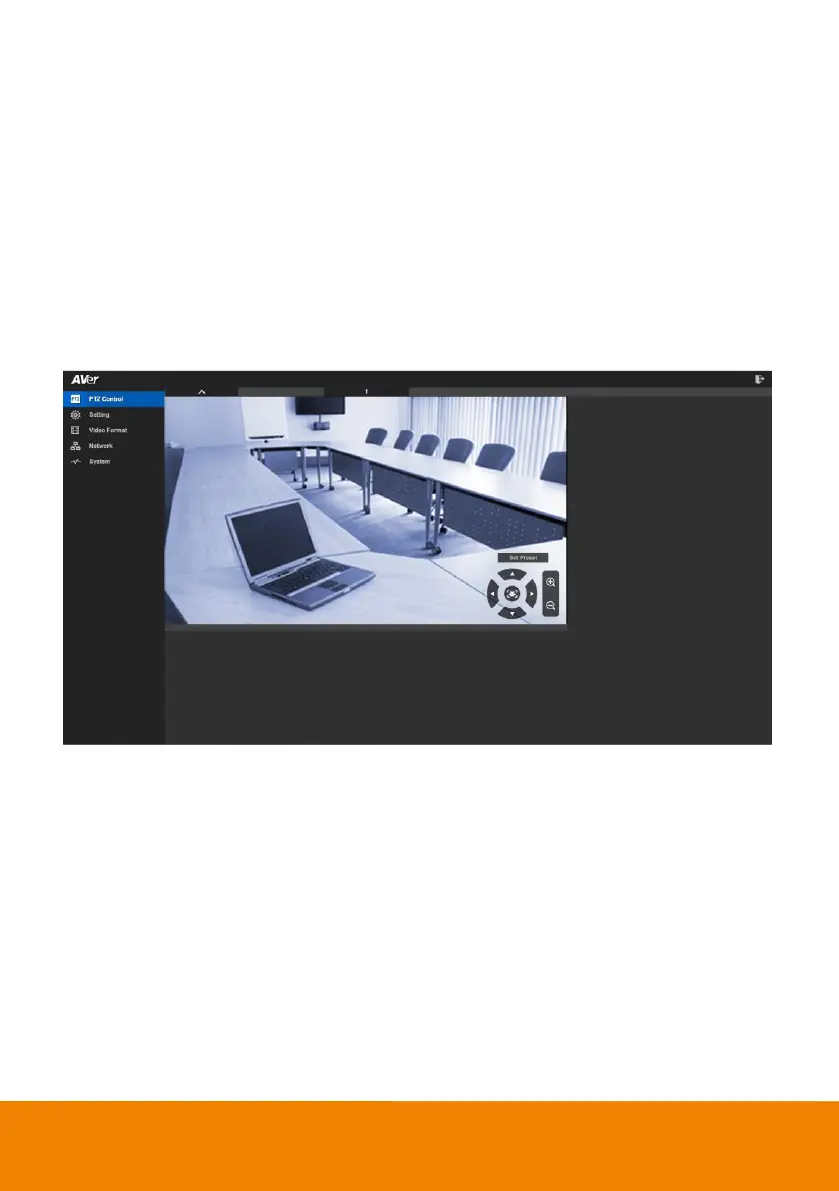
CAM520 Pro has an Ethernet port for IP streaming and allow s administrators to remotely control and
set up the camera via an internet access.
Login In
To find the IP address of the camera; please refer to “Make a connection by AVer IP Finder App”
section.
1. Open the brow ser on your laptop/PC and enter the IP address of the camera.
2. Enter the password at login screen. The default password is “aver4321”.
3. The main w eb screen is displayed.



 To Next Page