35
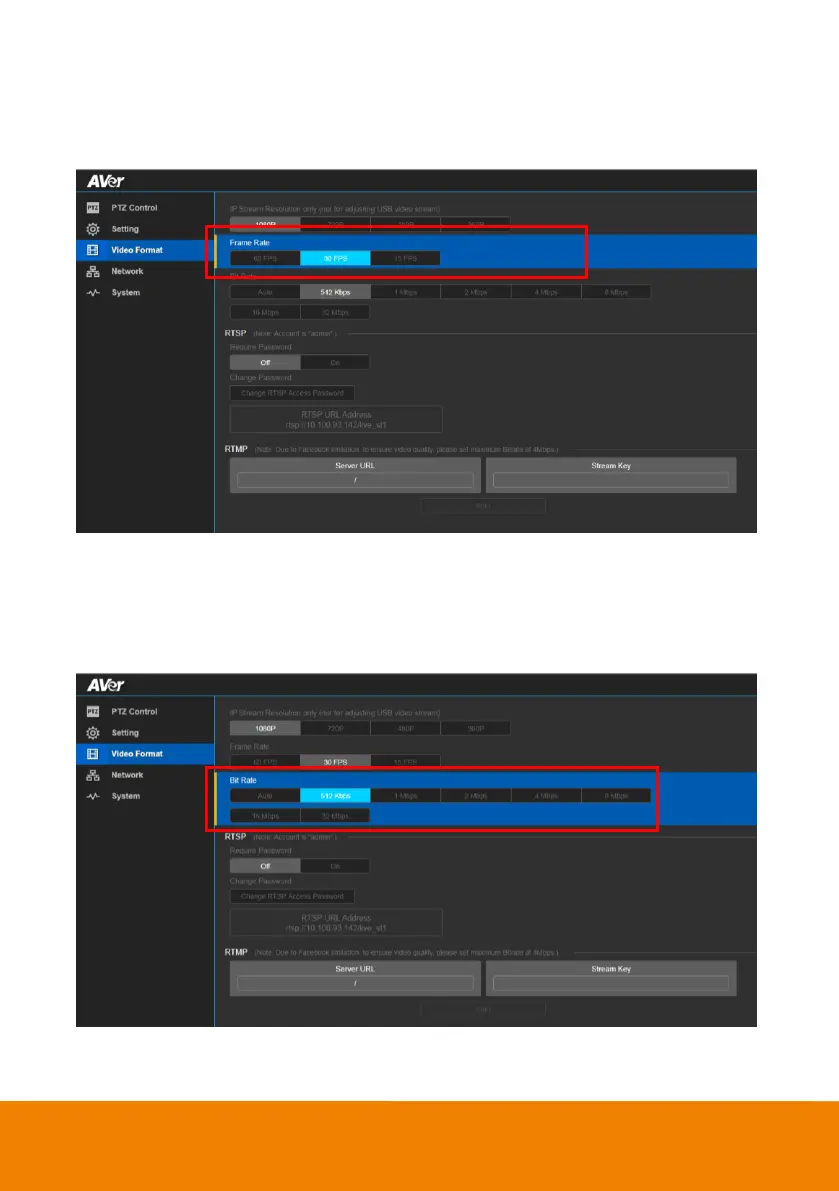
Frame Rate
Select the frame rate value..
In live screen view, select “Video Format” > “Frame Rate” > “60FPS”, “30FPS”, or “15FPS”.
Bit Rate
Select the bit rate value.
In live screen view, select “Video Format” > “Bit Rate” > “Auto”, “512Kbps”, “1Mbps”, “2Mbps”,
“4Mbps”, or “8Mbps”.



 To Next Page