30
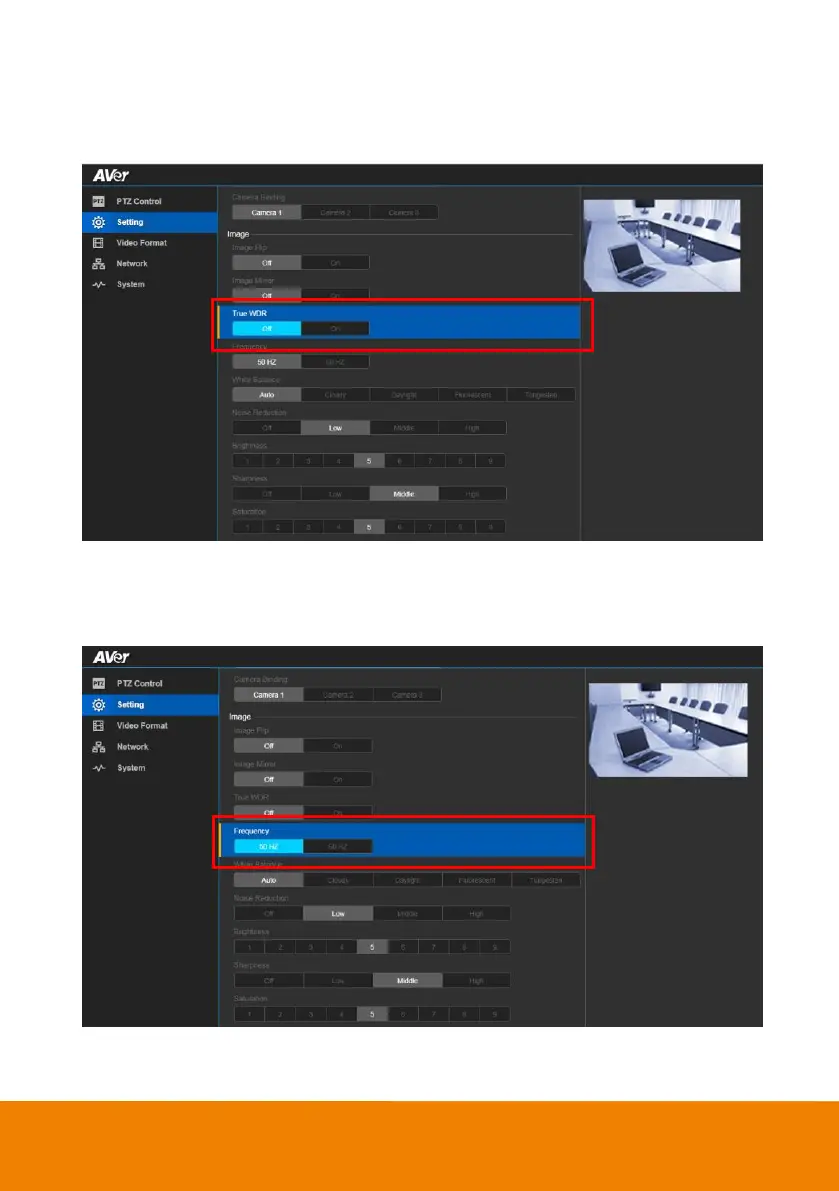
True WDR
In back light environment, enable WDR to improve the brightness of image.
In live screen view, select “Setting” > “Image” > “True WDR” >“Off”, or “On”.
Frequency
Select the frequency of the camera.
In live screen view, select “Setting” > “Image” > “Frequency” >“50Hz”, or “60Hz”.



 To Next Page