29
Image Settings
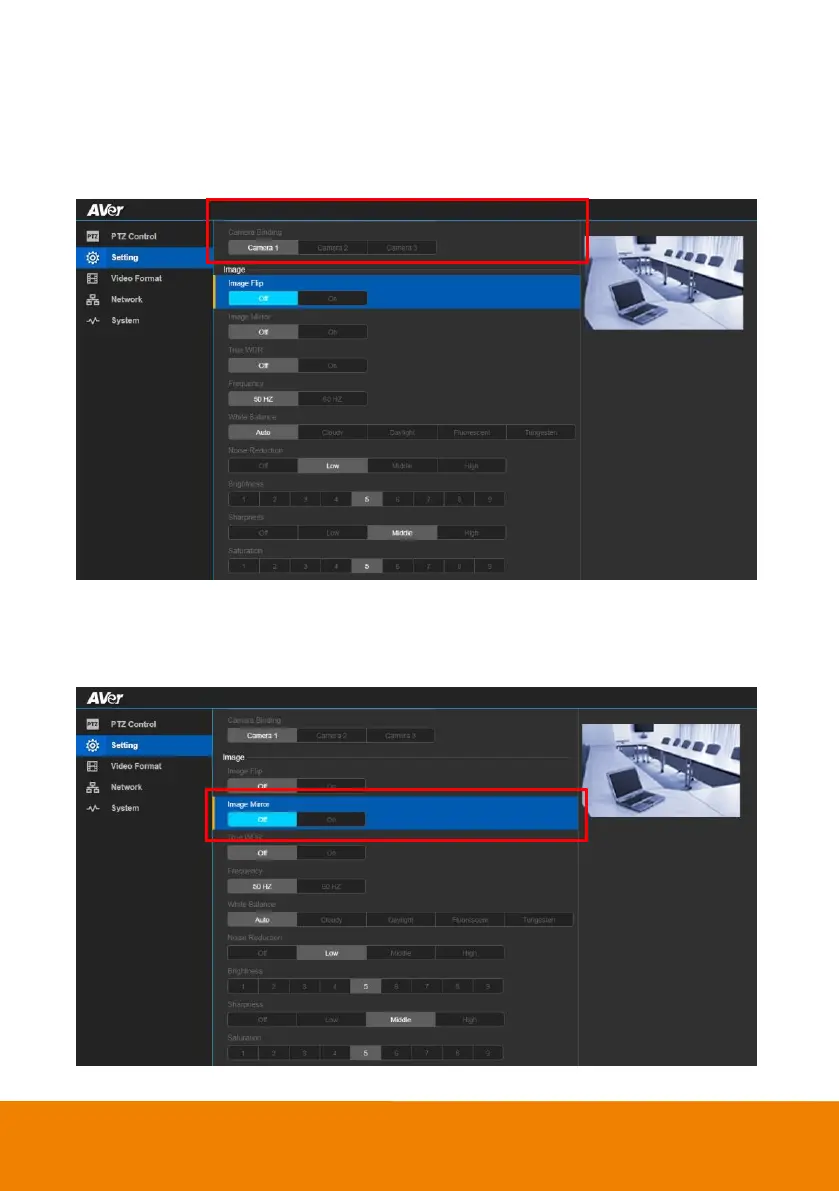
Image Flip
If the CAM520 Pro is installed in the upside down position, please enable the "Flip".
In live screen view, select “Setting” > “Image” > “Image Flip” >“Off”, or “On”.
Image Mirror
To mirror the camera image.
In live screen view, select “Setting” > “Image” > “Image Mirror” >“Off”, or “On”.



 To Next Page