67
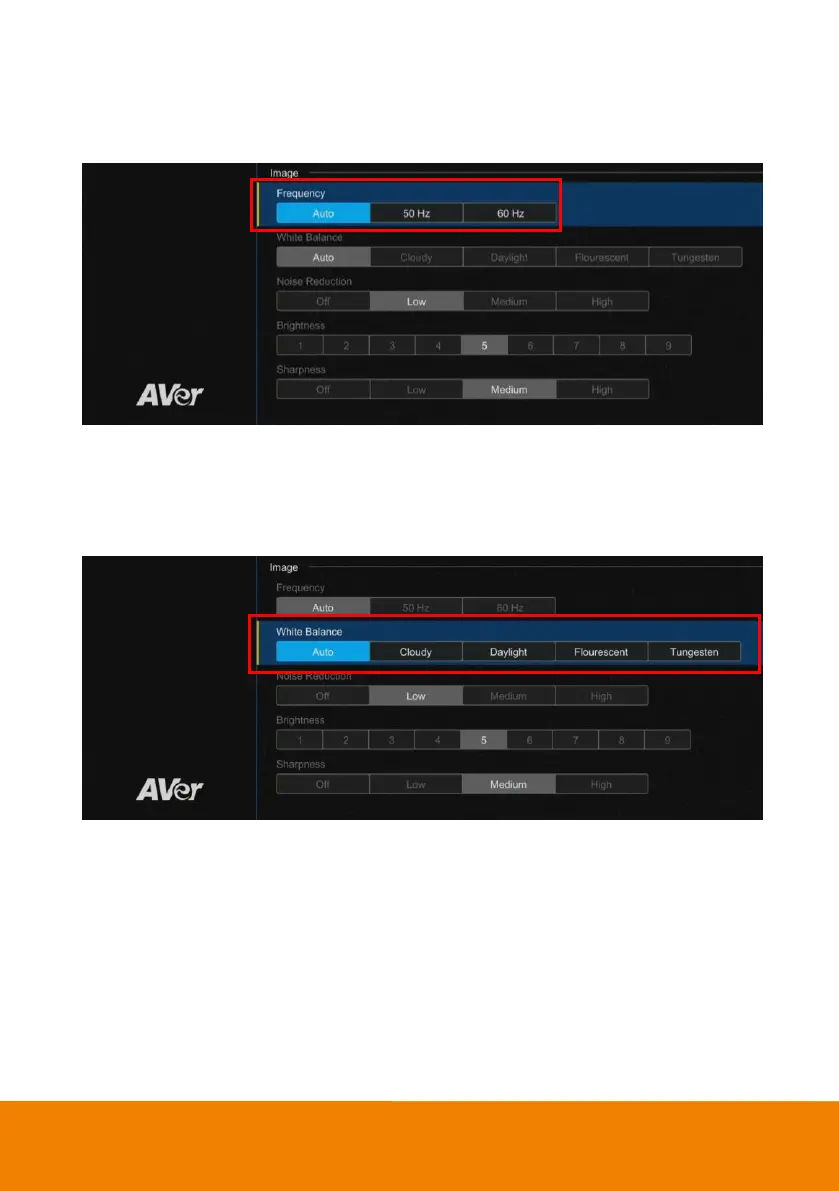
Frequency
Select the frequency of the camera.
Select “Advanced Setting” > “Frequency” >”Auto”, “50Hz”, or “60Hz”.
White Balance
Select the White Balance setting for various light conditions or color temperature.
Select “Advanced Setting” > “White Balance” >“Auto”, “Cloudy”, “Daylight”, “Fluorescent”, or
“Tungsten”.



 To Next Page