71
Network
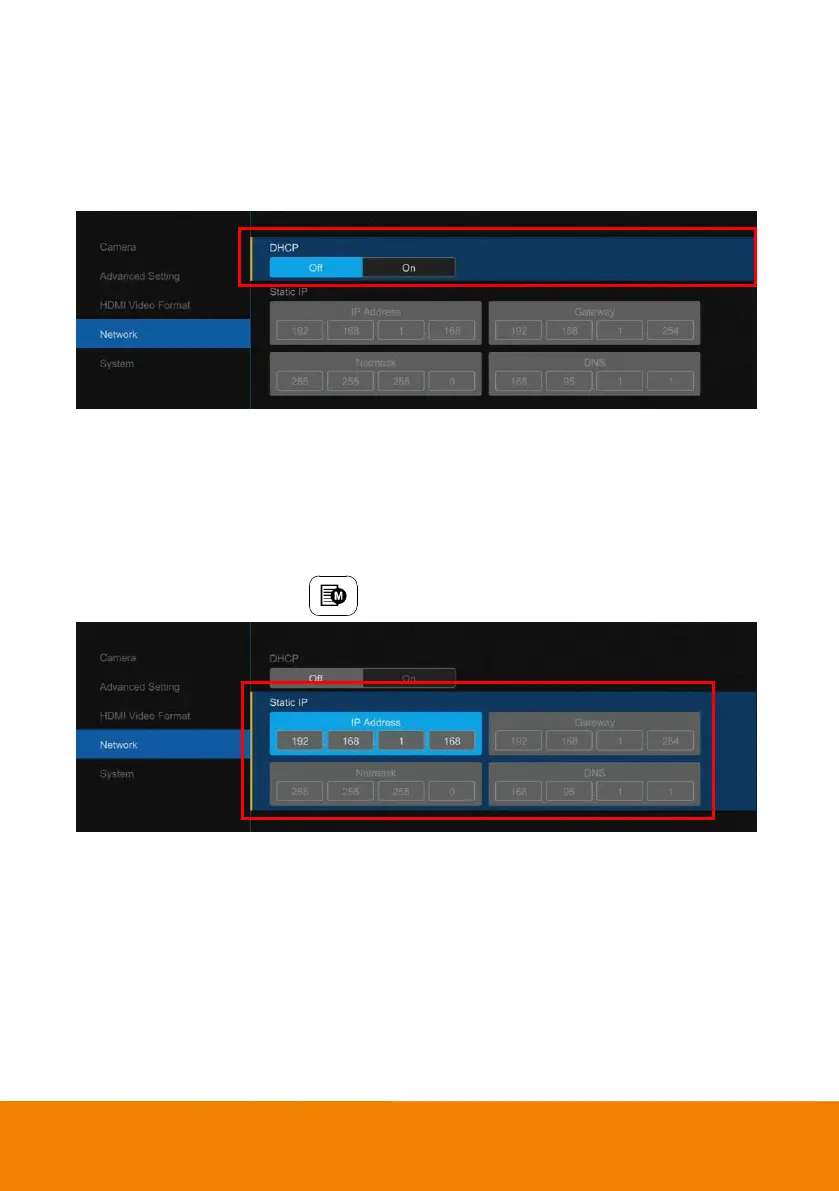
DHCP
Enable/disable DHCP function.
Select “Network” > “DHCP” > “Off” or “On”.
Static IP
Assign a fixed IP address to the camera. Please turn off the DHCP function.
1. Select “Network” > “Static IP”.
2. Enter the “IP Address”, “Gateway”, “Netmask”, and “DNS” in the corresponding column. Use the
number key pad on remote control to enter the value.
3. After entering the value, press
to leave.



 To Next Page