26
Camera Settings
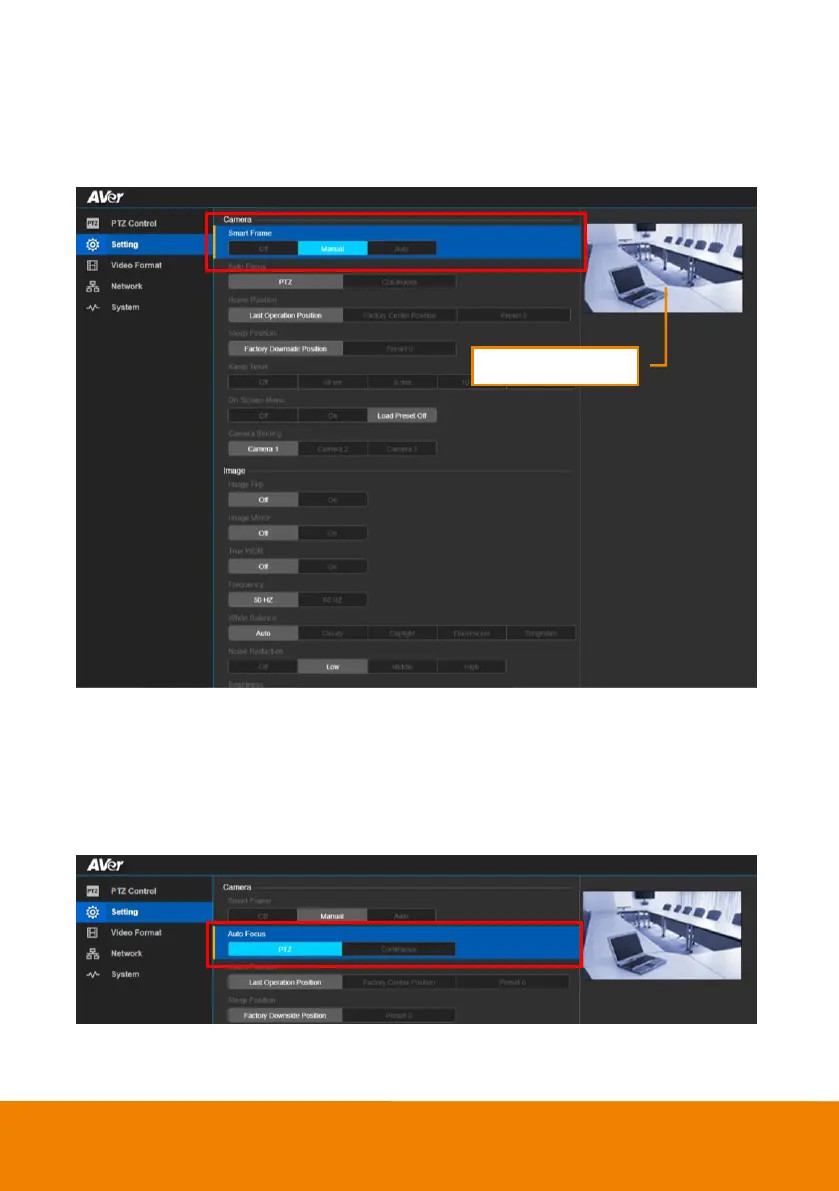
Smart Frame
One-click automatic FOV (field of view ) adjustment to fit all participants.
In live screen view, select “Setting” > “Camera” > “Smart Frame” > “Auto”, “Manual” or “Off”.
Auto Focus
Set auto focus mode.
In live screen view, select “Setting” > “Camera” > “Auto Focus” > “PTZ” or “Continuous”.
PTZ: By clicking the button(such as pan, tilt, zoom in/out) to adjust focus once.
Continuous: The camera w ill adjust the focus when the objects have moved.



 To Next Page