31
White Balance
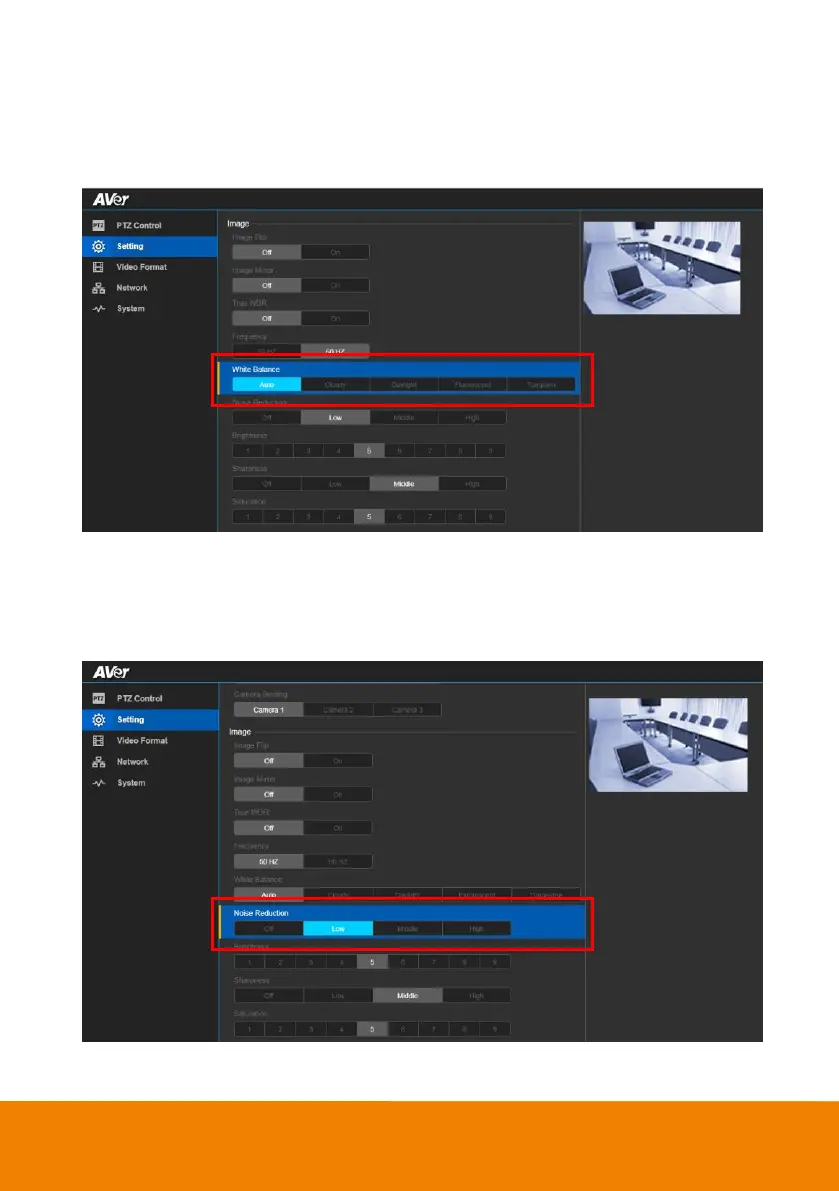
Select the White Balance setting for various light conditions or color temperature.
In live screen view, select “Setting” > “Image” > “White Balance” >“Auto”, “Cloudy”, “Daylight”,
“Fluorescent”, or “Tungsten”.
Noise Reduction
To reduce the noise from the signal.
In live screen view, select “Setting” > “Image” > “Noise Reduction” >“Off”, “Low”, “Medium”, “or
“High”.



 To Next Page