62
Camera Settings
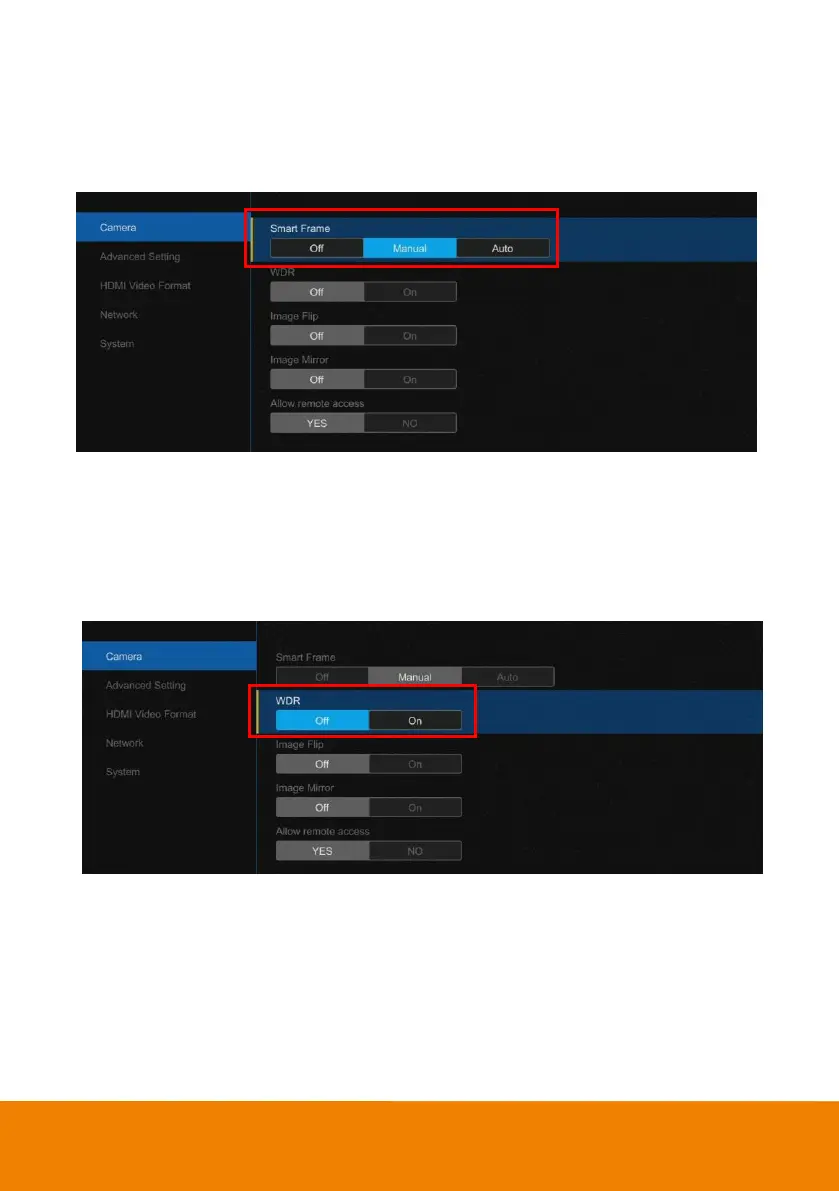
Smart Frame
One-click automatic FOV(field of view ) adjustment to fit all participants.
Select “Camera” > “Smart Frame” > “Off”, “Manual” or “Auto”.
WDR
In back light environment, enabling WDR can improve the brightness of image.
Select “Camera” > “WDR” > “Off” or “On”.
[Note] While WDR is on, the frame rate w ill drop and cause image blur if there are moving objects.
Please turn off WDR w hen in normal light conditions.



 To Next Page