24
Setup the Preset
User can set 10 preset positions.
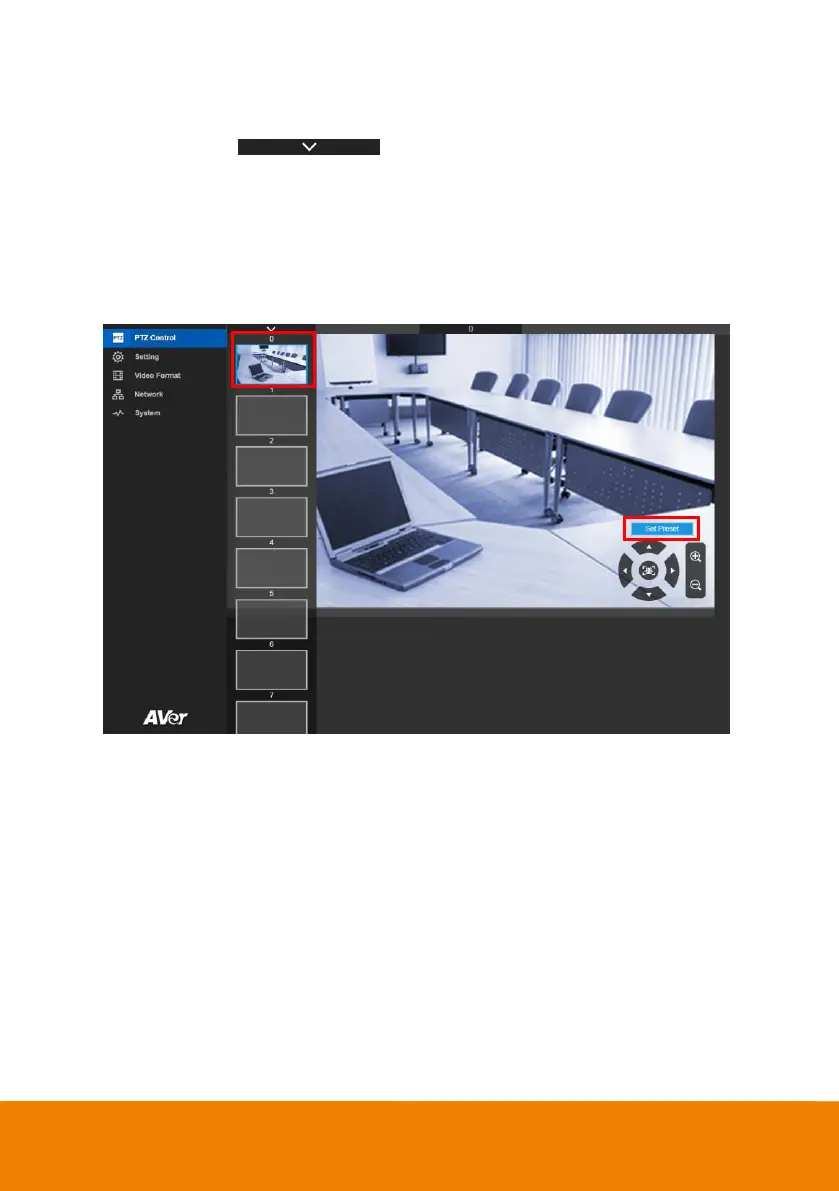
1. In live screen, select to expand preset position list.
2. Select the preset number frame(0~9).
3. Use ▲, ▼, , and zoom in/out button adjust the camera screen view to desired position.
4. Select “Set Preset” button to save the preset. The system w ill capture the preset screen view and
display in preset number frame.
5. To set another preset, repeat the above steps.



 To Next Page