Configuring the 802.11b/g and IP Settings 2-7
To change the setting, from the Main Menu: Select Setup, Network.
Then follow these steps.
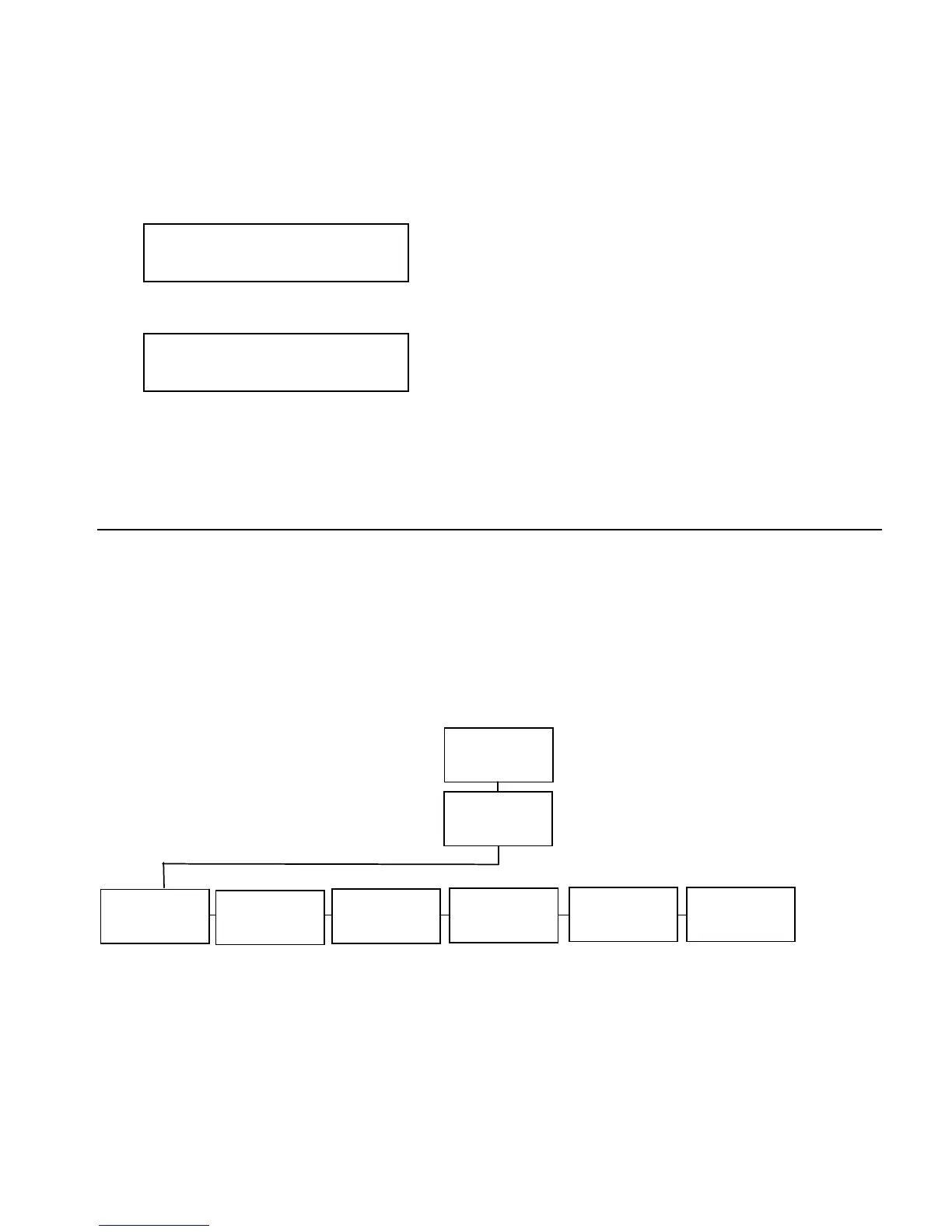
1. Press or until you see
NETWORK
Boot Method
2. Press Enter/Pause. The current setting is displayed, for example:
BOOT METHOD
BOOTP
3. After you display the option you need, press Enter/Pause.
4. Press Escape/Clear until you see the Main Menu.
Wireless
Using the Wireless Menu, you can view the signal strength, set the
Service Set Identifier (SSID), wireless mode, A-Point density, transmit
rate, and channel.
Note: All nodes of a wireless network need to have the same settings
to communicate with each other. We recommend reviewing the
terms in the glossary before you begin.
Network
Wireless
Signal
Stren














 To Next Page