Configuring the 802.11b/g and IP Settings 2-17
NCL Settings
The Network Control Language files (NCL) are in a readable format
similar to Microsoft® Windows® 3.0 initialization (.ini) files. For
example, you can create an NCL file that sets your printer to specific
settings every time you turn on the printer, such as black mark supply,
high energy ribbon, and on-demand mode.
Use Reinit NCL to process the NCL file saved in the printer’s flash
memory. An NCL file exists in flash memory if the word “NCL” appears
on the first test label’s right side.
Use Get First NCL to process the first (initial) configuration file.
This file can be configured to mimic factory default settings.
For more information about NCL, refer to the Network Control Language
Programmer’s Manual.
To change the setting, from the Main Menu: Select Setup, Network.
Then follow these steps.
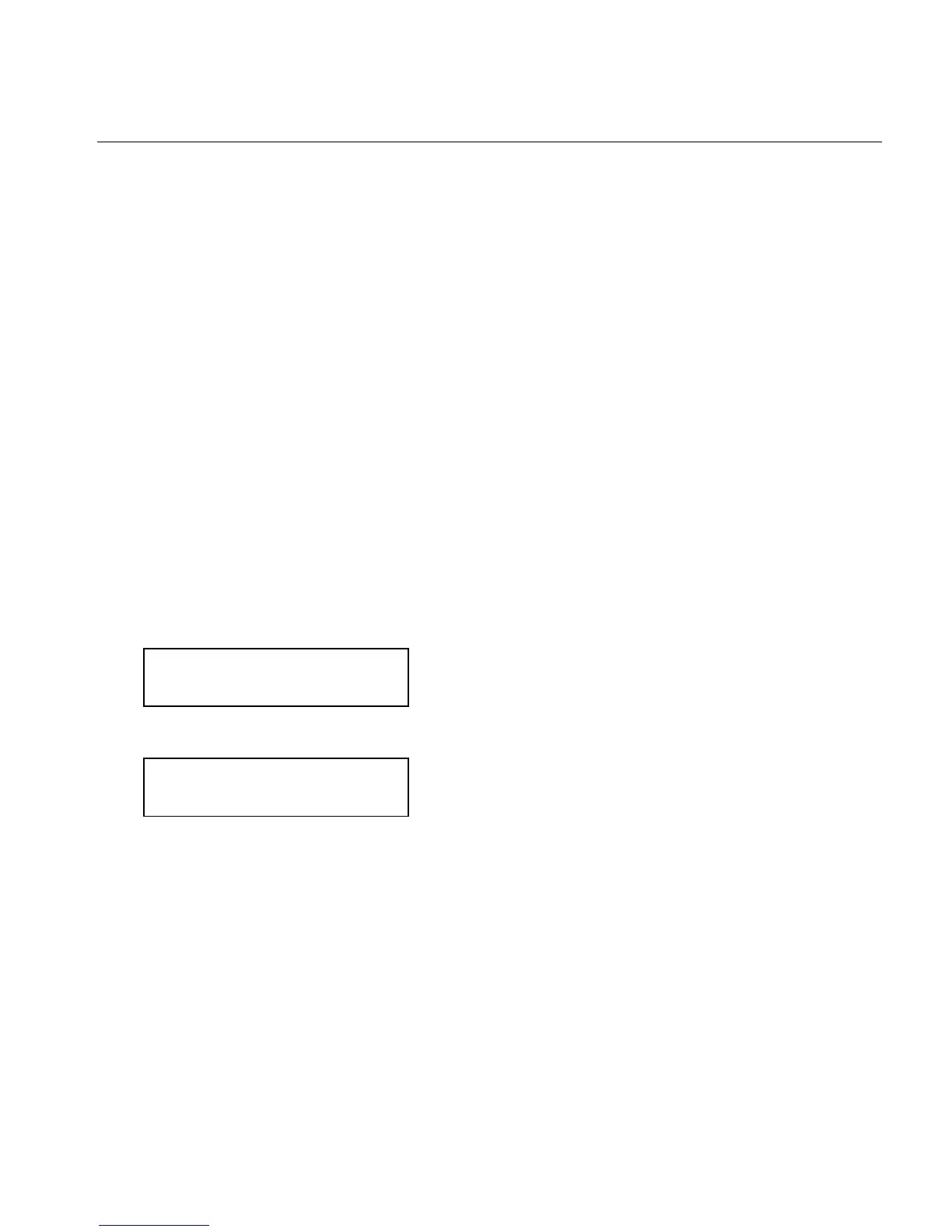
1. Press or until you see
NCL Settings
Reinit NCL ¼
2. Press Enter/Pause.
Are you sure?
No ¼
3. Press ¼ to display "Yes" and press Enter/Pause.














 To Next Page