3-24 MonarchNet2 Operating Instructions
Updating Firmware
You can update the printer’s firmware. Make sure the Resident (Boot
Loader) is version 2.3 or greater.
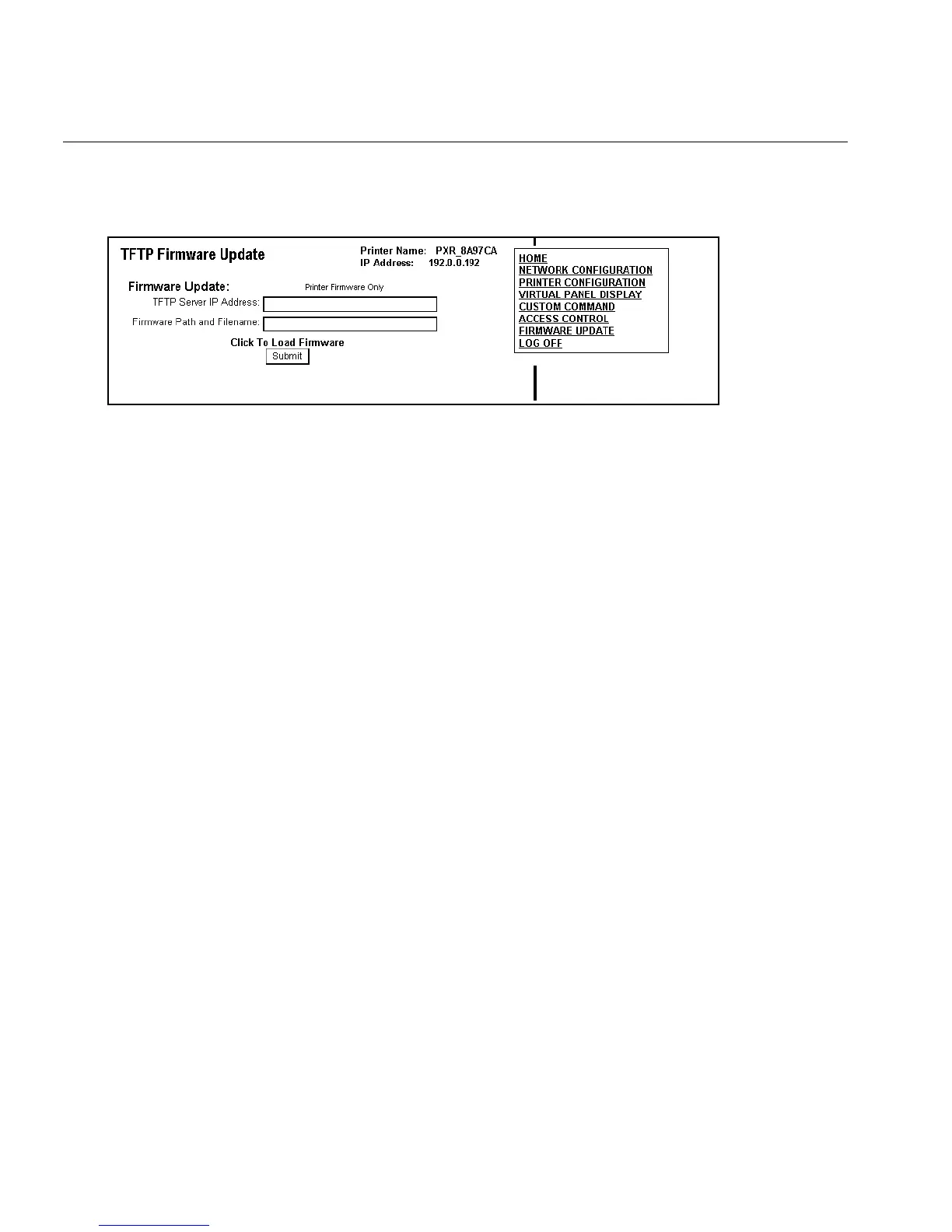
1. From the side Menu Bar, click Firmware Update.
2. Make sure your printer is connected and ready to receive data.
3. Enter the TFTP Server IP Address.
4. Enter the Firmware Path and Filename (relative pathname to your
TFTP server). Refer to your TFTP Server’s documentation for more
information about setting up and using the TFTP server.
Note: Depending on your TFTP server, you may only need the
filename, not the entire path.
5. Click Submit to load the firmware. If you lose power while updating
the firmware, call Service.














 To Next Page