DSP Mode for Low-Latency Monitoring 32
Adjust the Mix for Recording
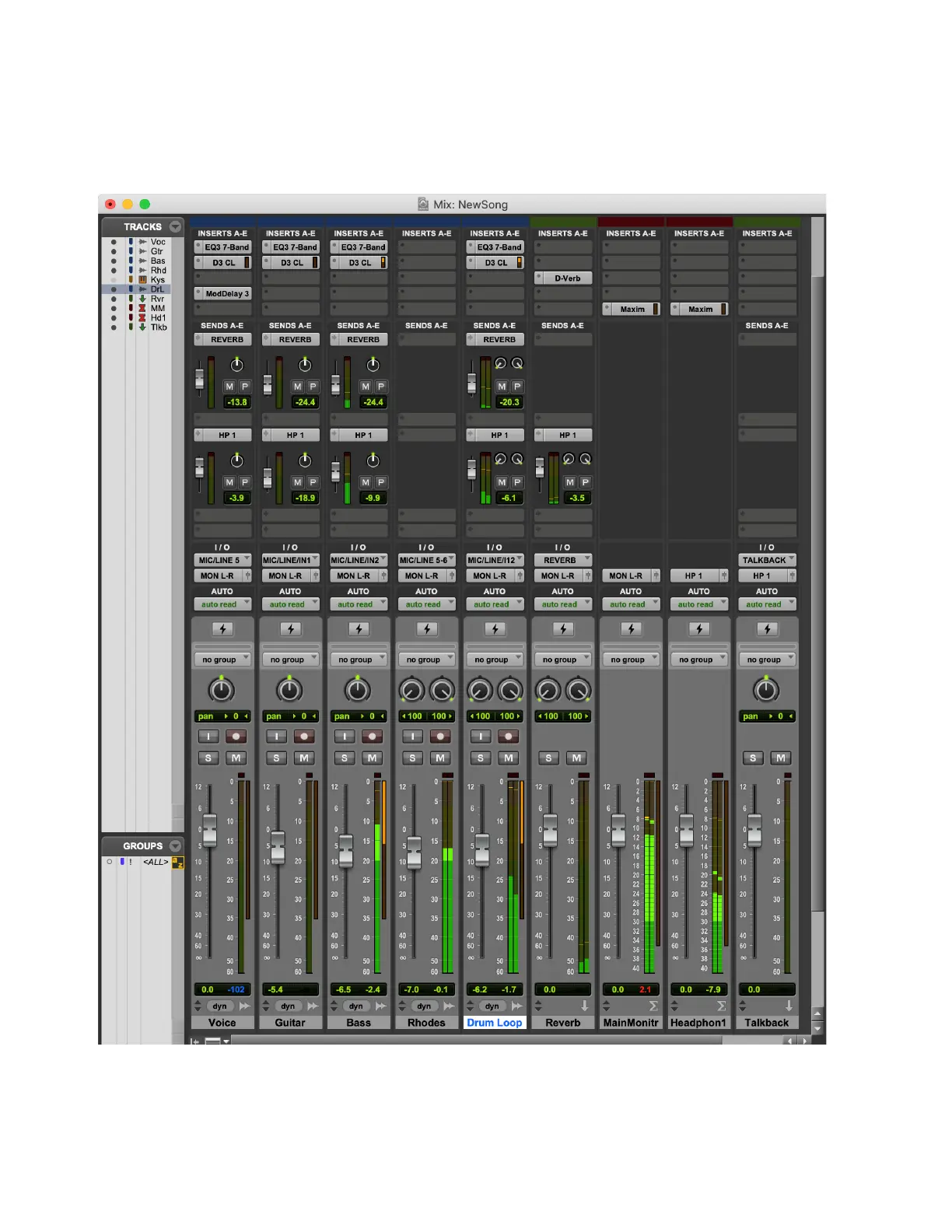
Start playback to set the levels and panning of the instruments to get the mix you want in the control room monitors. Set the send
levels from each track to balance the headphone mix. Input-enable the vocal track and use the talkback mic to communicate with
the singer and adjust the headphone mix to the singer’s liking. Once the singer is happy with the headphone mix, you are ready to
record some vocals.
Session with the band already recorded











 To Next Page