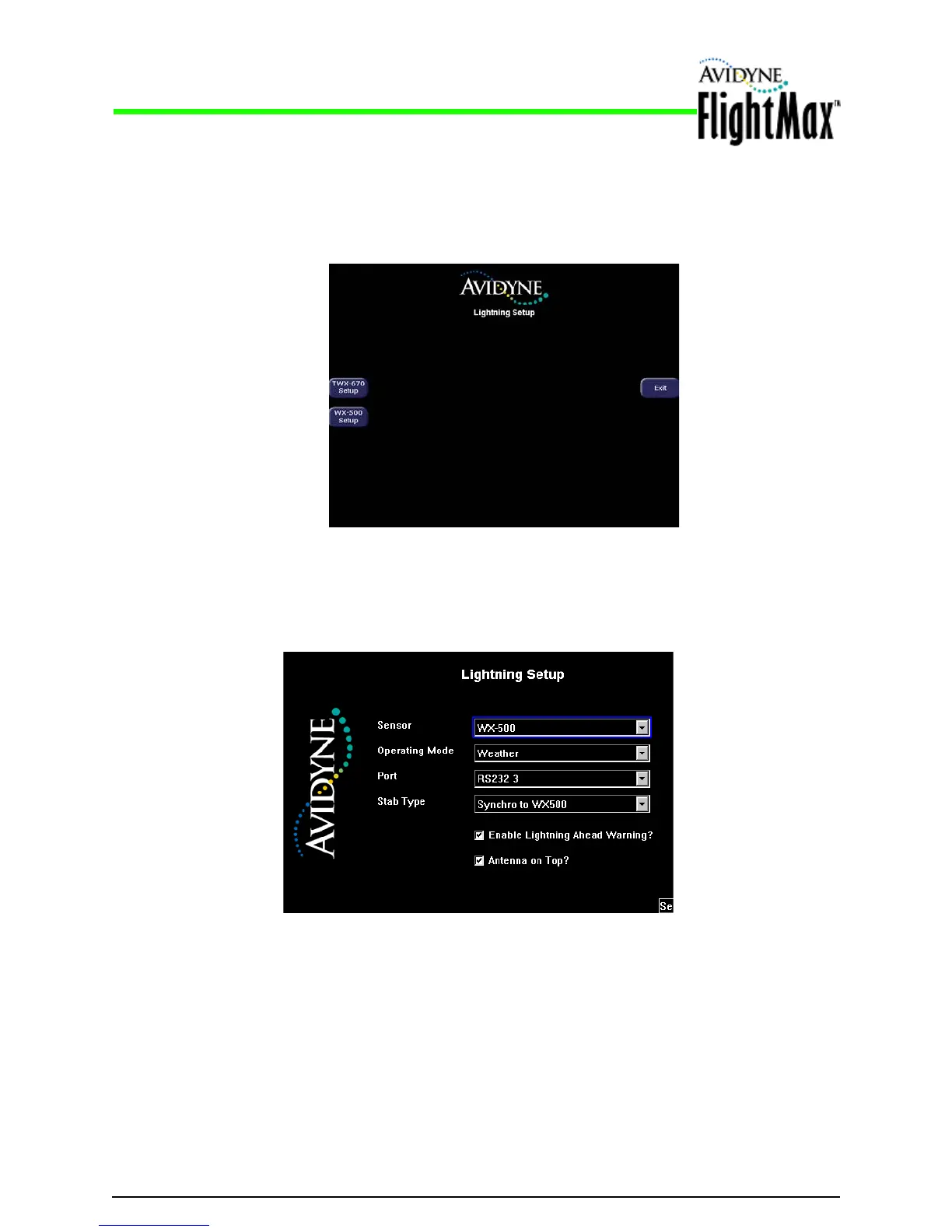
Figure 11: WX-500 Setup Page
Figure 10: Selection Page
Installation Manual
Lightning Sensor Setup P/N 600-00175-000 Rev 04
- 36 -
5.6.1 Lightning Sensor Setup
➤ To configure the Lightning sensor:
1. From the Maintenance Mode Page, select Lightning Setup. The selection page is displayed:
2. Cho
ose the sensor to be connected to the MFD. The Setup Page is displayed.
For the WX-500 Setup The screen shown in Figure 11 is displayed.
For the TWX670 Setup, the screen shown in Figure 12 is displayed.



 To Next Page