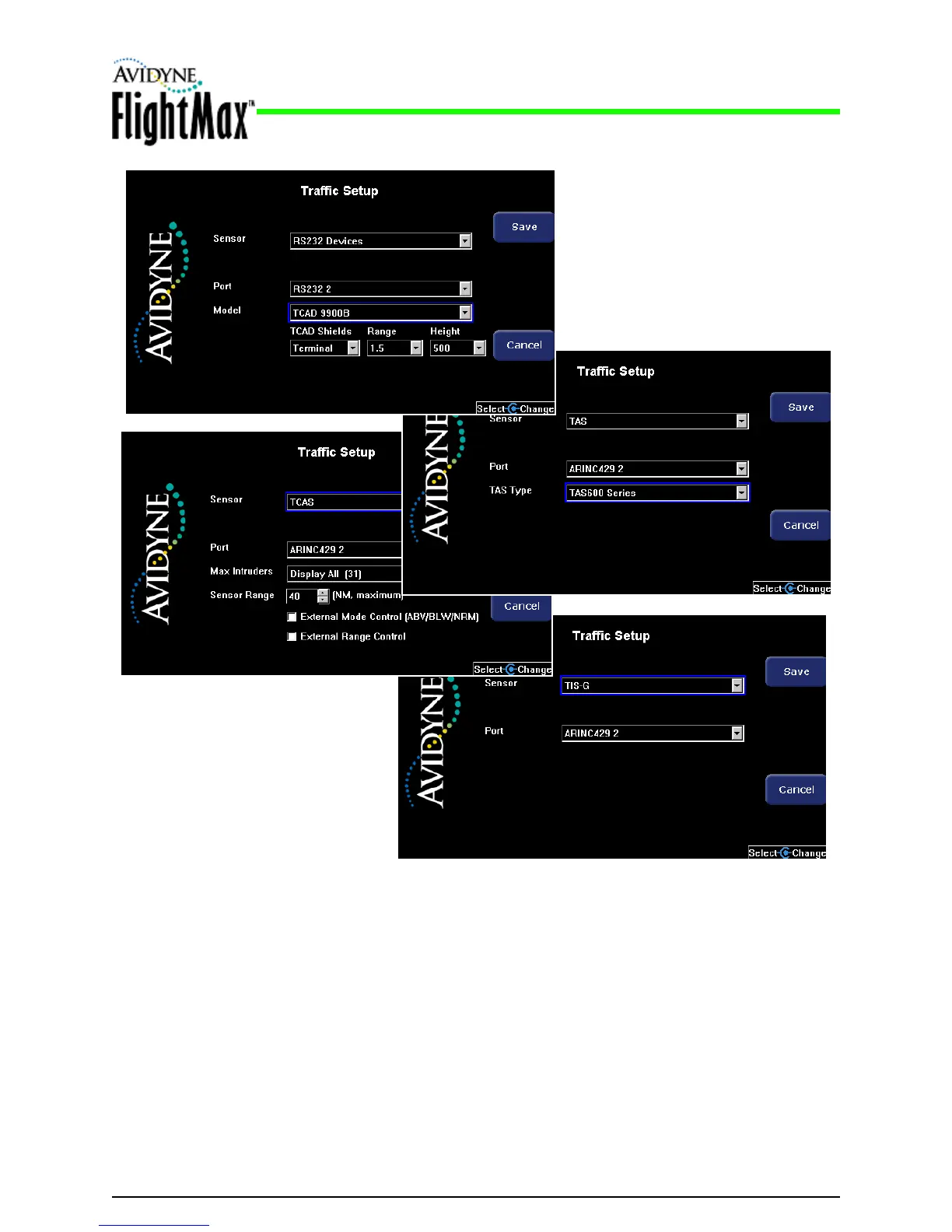
Figure 13: Sample Traffic Setup Pages
5.7.2 Traffic Sensor Installation Considerations
Installation Manual
P/N 600-00175-000 Rev 04 MFD Feature Setup and Checkout
- 41 -
4. When you are done, press Save. Press Cancel to exit without saving changes.
5. Changes do not take effect until the MFD has been restarted. From the Maintenance Mode Page,
press Restart System. If needed, see Table 18, “Traffic Communication Messages,” on page 43.
● The EX500/EX600 does not provide a mute switch for traffic sensors over an ARINC 429
connection. When installing a traffic sensor using ARINC 429, be sure to install an external mute
switch. For more information, see the Avidyne TAS Installation Manual or the installation manual
for your traffic sensor.
● Before installing any traffic device, see the wiring considerations discussed in Section 4.9.5,
“Traffic Sensor Wiring” on page 21.



 To Next Page