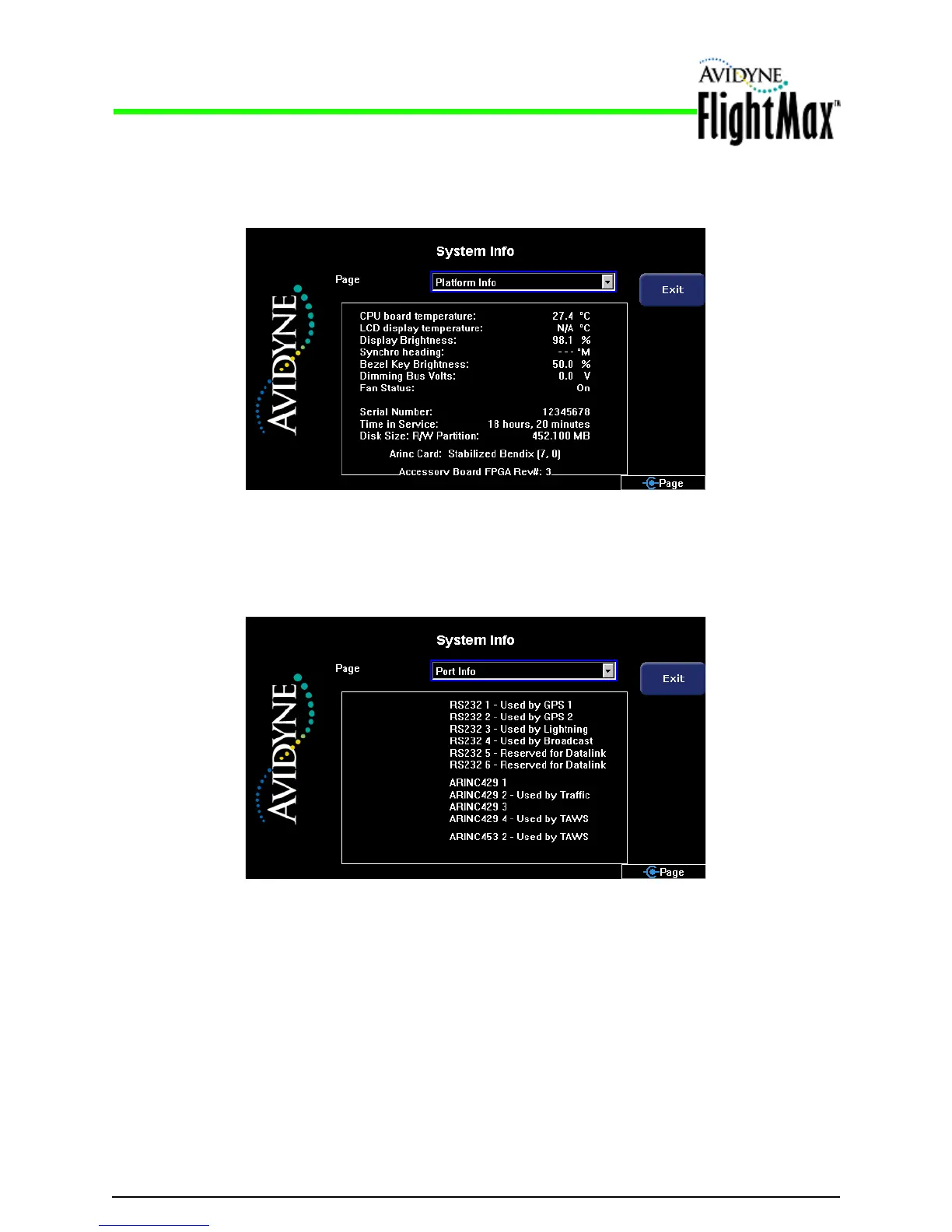
Figure 23: System Info > Port Info Page
Figure 22: System Info > Plat
form Info Page
6.1.3 System Info > Port Info Page
Installation Manual
System Info Pages P/N 600-00175-000 Rev 04
- 70 -
6.1.2 System Info > Platform Info Page
The Platform Page provides information about the hardware platform and settings of your MFD.
The Port Page displays the ports selected for vario
us interfaces during the setup process. Use this
page to check your port configurations, described in Section 2.3, “Configuration Options” on page 5.



 To Next Page