14
microspeed® uni motor system
Aesculap Power Systems
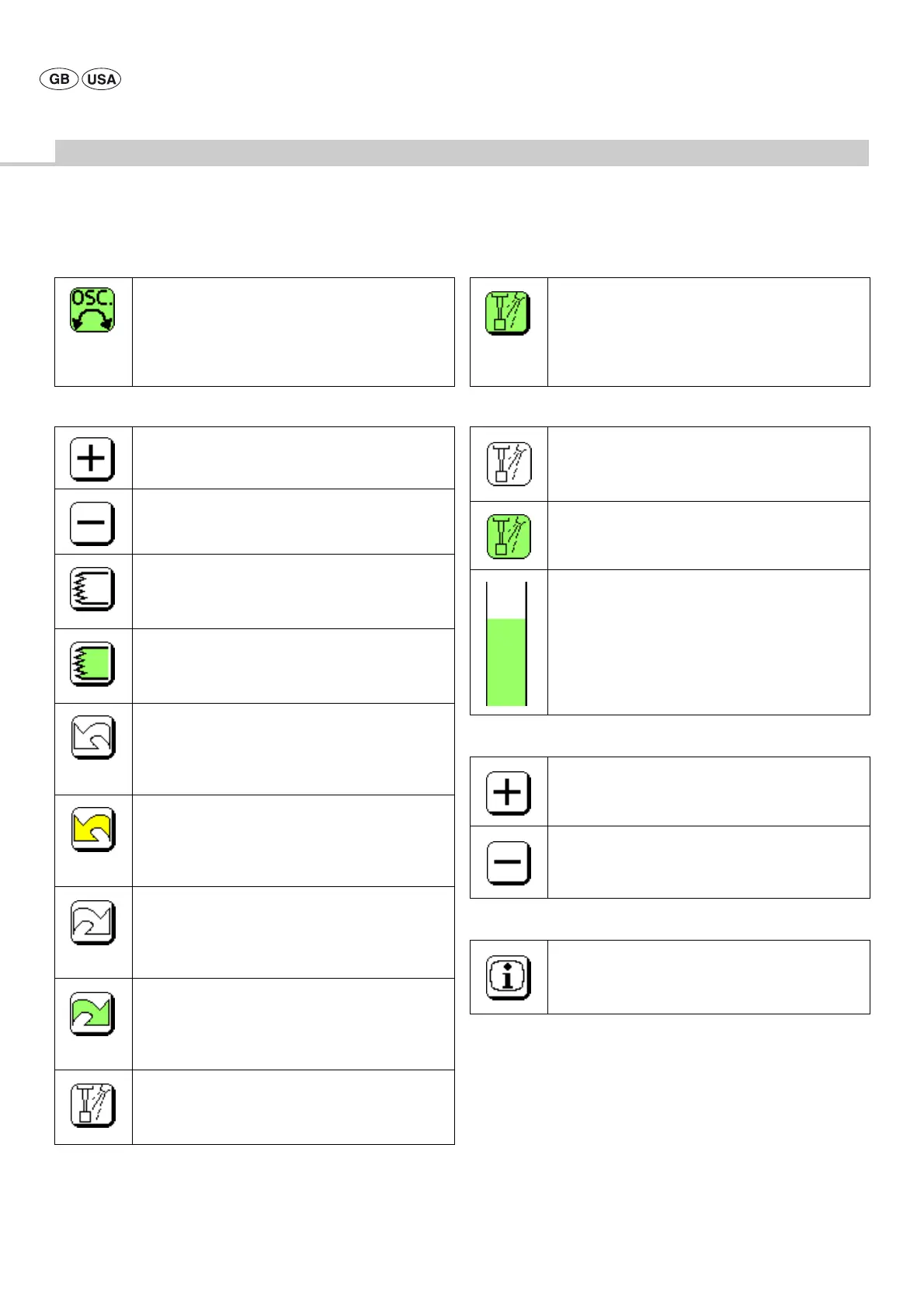
Display/Control key symbols in the motor control fields Display symbols in the pump control field
Control key symbols in the pump control field
Control key symbols within the display
Oscillating or tapping mode active:
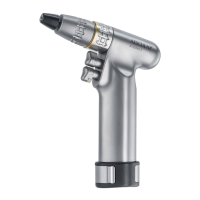
(only in connection with pistol handpiece GD684)
Displayed when oscillating or tapping mode was released
in the Instruction menu and is activated through the
pistol handpiece (by holding down the upper trigger for
three seconds)
Increasing the motor speed range upper limit
Reducing the motor speed range upper limit
Status indicator/control key of the saw program
This symbol indicates that the saw program, which can
only be selected in connection with motors GD678 and
GD679, is inactive
Status indicator/control key of the saw program
This symbol indicates that the saw program, which can
only be selected in connection with motors GD678 and
GD679, is active
Motor direction indicator when left rotation was not
selected, and control key for selecting left rotation
The control key symbol is only displayed, and a motor
direction can only be selected if hand control GD673 is
connected
Motor direction indicator when left rotation was
selected, and control key for selecting left rotation
The control key symbol is only displayed, and a motor
direction can only be selected if hand control GD673 is
connected
Motor direction indicator when right rotation was not
selected, and control key for selecting right rotation
The control key symbol is only displayed, and a motor
direction can only be selected if hand control GD673 is
connected
Motor direction indicator when right rotation was
selected, and control key for selecting right rotation
The control key symbol is only displayed, and a motor
direction can only be selected if hand control GD673 is
connected
"Pump OFF" indicator and control key for activating the
pump
The symbol is displayed in the respective motor control
field
"Pump ON" indicator and control key for activating the
pump
Active when, in connection with the selected motor, the
pump is switched on via the function button (hand or
foot control) or by actuating this field. The symbol is
displayed in the respective motor control field.
"Pump inactive" indicator
Symbol as displayed with the motor inactive, i.e. when
the pump has not been activated in the pump control
field
"Pump active" indicator
is active when the pump released in connection with the
selected and activated motor is activated
Display of selected dosage
is always active
Increasing the delivery rate
Reducing the delivery rate
Selecting the secondary control level
Instruction menu,
can only be activated when no motor is active











 To Next Page