30
microspeed® uni motor system
Aesculap Power Systems
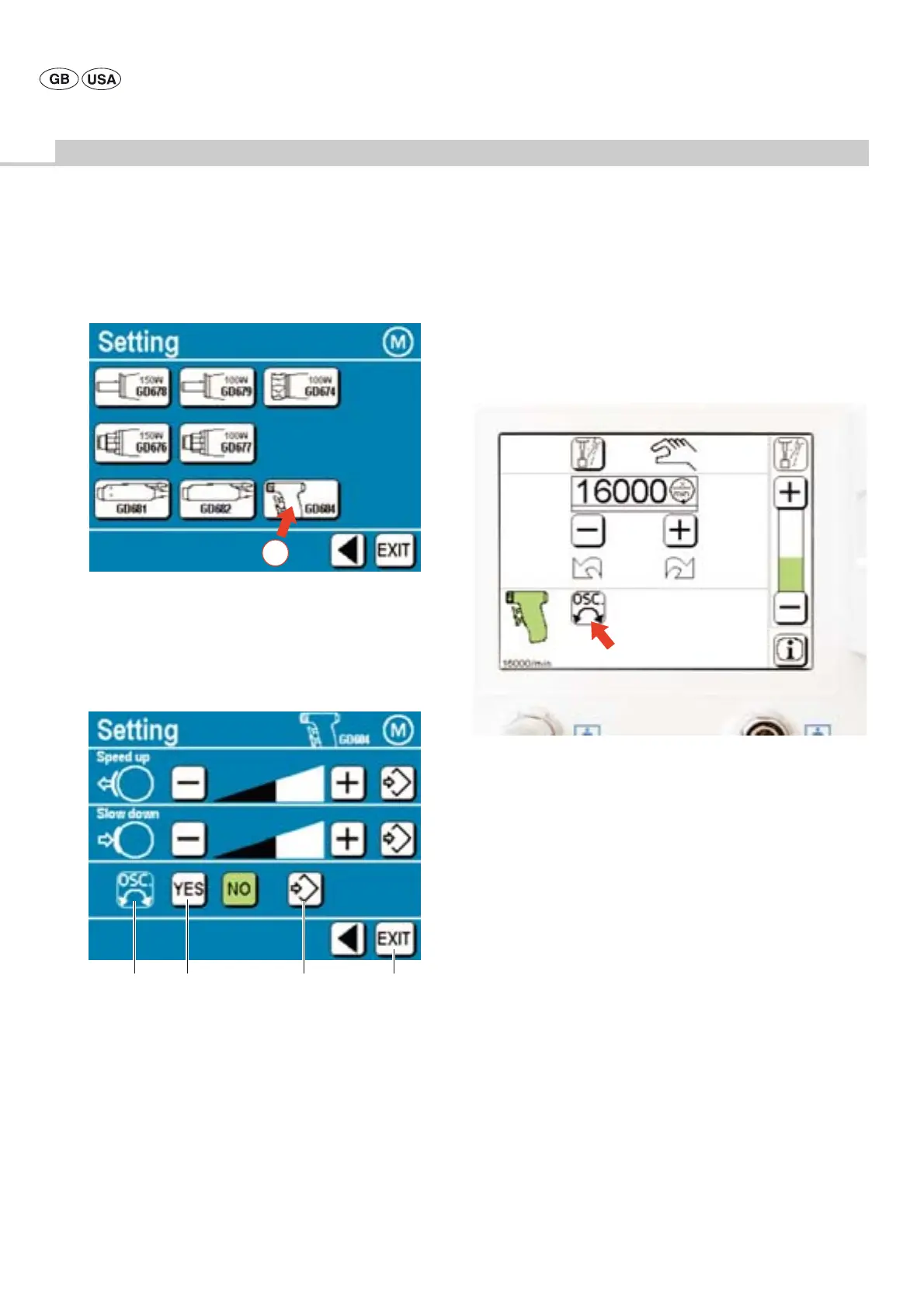
¾ Call up menu “Motor settings”: press control key “Motor” (arrow A) in
the “Settings” field.
Fig. 27
Legend
A Arrow
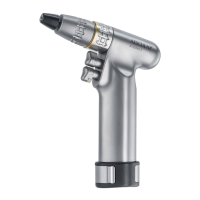
¾ Call up menu ”Setting” for pistol handpiece GD684: press control key
“GD684” (arrow A).
Fig. 28
Legend
A Display for oscillating or tapping mode
B Control keys for Oscillating or tapping mode “YES”
C Control key "Save setting"
The control key "Save setting" will be highlighted by a green
background whenever a setting was changed. Once the change has
been saved by pressing this control key, the control key will be
displayed on a white background.
D Control key "EXIT"
To exit from the Instruction menu
¾ To pre-select “Oscillating or tapping mode”: press control key B.
¾ Save selection: press control key C.
¾ Exit the Instruction menu: press control key D.
¾ The symbol “Display for oscillating or tapping mode" (arrow A) is
illuminated in the motor control field.
Fig. 29
Legend
A Arrow
A
AB C D
A











 To Next Page