CH1~11
CH1~13
CH10~11
CH10~13
CH13
CH1~14
CH3~9
CH5~13
Supported channels. Default: CH1~14
Extended Service Set Identifier which is a name
given to the WAP representing all SSIDs in the
WLAN
EP3011 supports Access Point mode
Wi-Fi MultiMedia defines the quality of service
(QoS) in the Wi-Fi network
No Encryption
WEP Open System
WEP Shared Key
WPA-PSK
WPA2-PSK
WPA-PSK/WPA2-PSK Mixed Mode
WPA-EAP
WPA2-EAP
WPA-EAP/WPA2-EAP Mixed Mode
802.1x
IP security method. Different encryption
methods represent different security protocols
used for authentication. Depending on which
method is selected, additional fields will display.
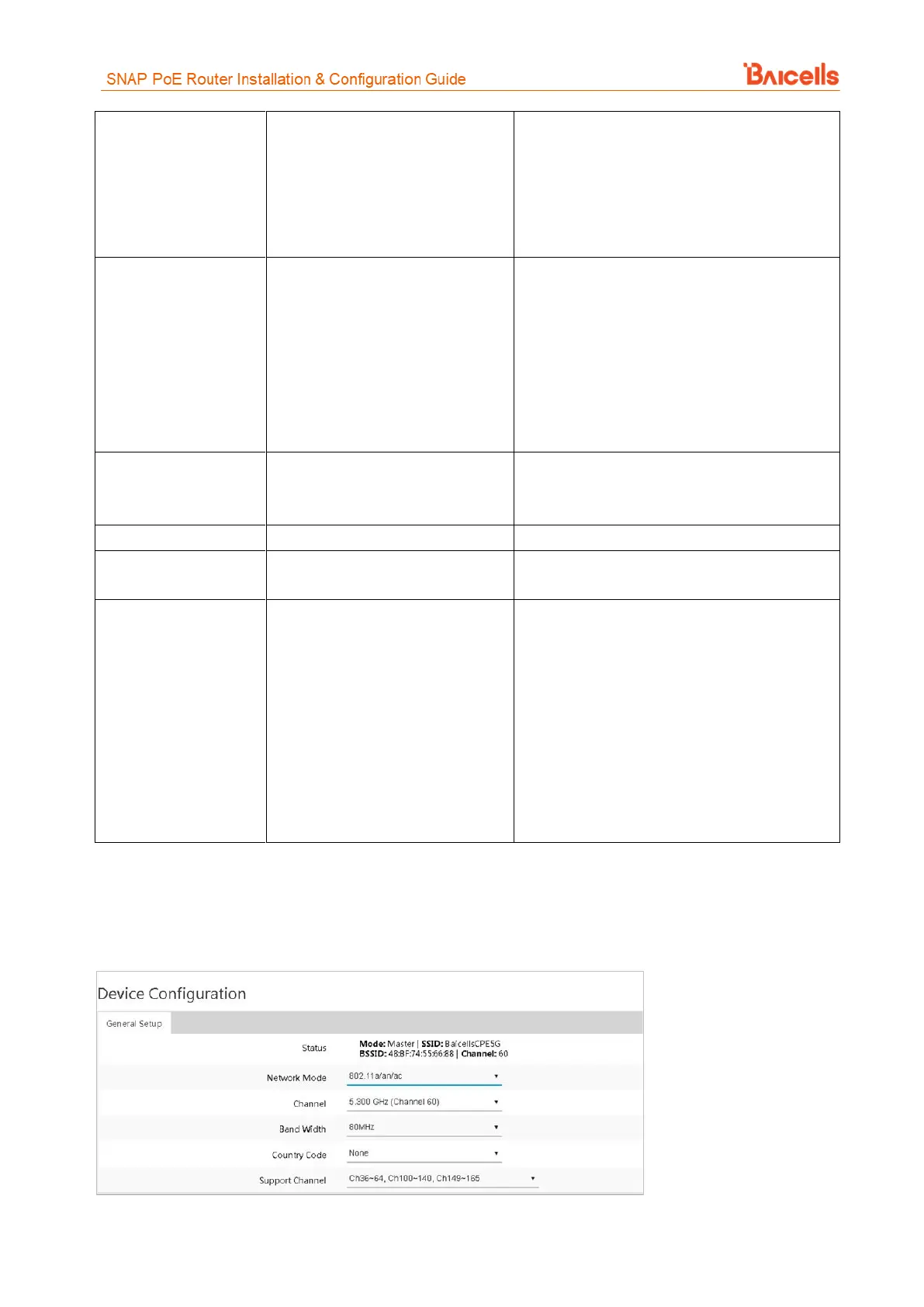
For a 5 GHz SSID, the configuration varies slightly, as shown in Figure 17 and Figure 18. The fields are
described in Table 8.
Figure 17: Device Configuration (5 GHz SSID)



 To Next Page