21
Figure 34: MAC Filter
3.7.3 IP Filter
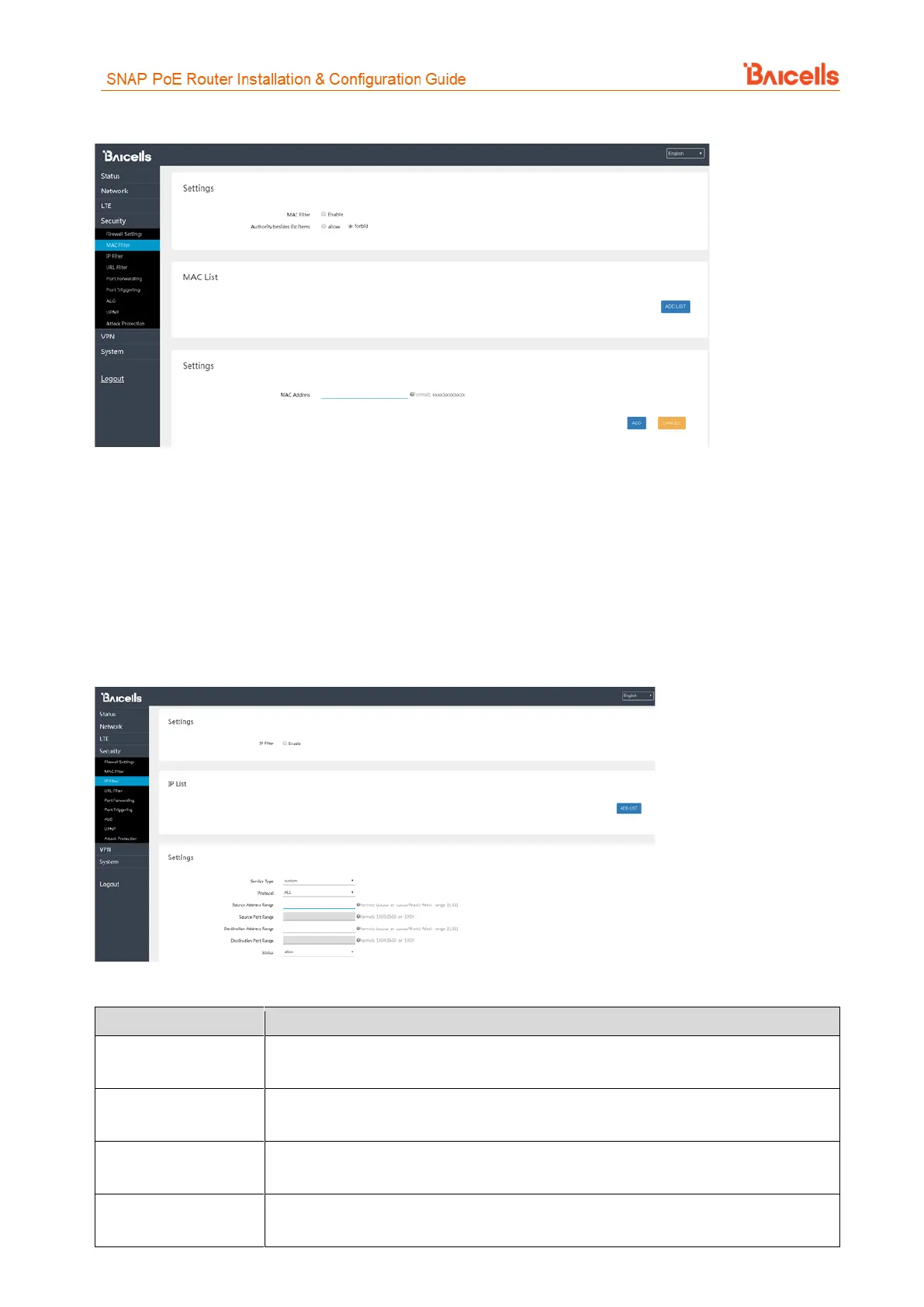
Internet Protocol (IP) Filtering allows you to filter services based on the IP address of the source device that
is using the CPE to access the network (Figure 35). You can define a list of devices either allowed or forbidden
from accessing the destination address range or port number range you enter.
To use this feature, select the Enable check box and then click on ADD LIST to open the settings window. Enter
the source devices' IP addresses. Refer to Table 9 for a description of each field.
Figure 35: IP Filter
Table 9: IP Filter
Select the type of service, either custom, FTP, SSH, TELNET, SMTP, HTTP, POP3, HTTPs, or
HTTP Proxy, the CPE will be allowed or forbidden to use
Select the type of data protocol, either ALL, TCP, UDP, TCP&UDP, or ICMP the CPE will be
allowed or forbidden to use
Enter the IP address range for the source device(s) in the format of x.x.x.x or
x.x.x.x/mask. The mask value may be 0 or 32.
Enter the port number range for the source device(s) in the format of 1000 to 1500, or
1000.



 To Next Page