31
3.9 System Menu
3.9.1 NTP
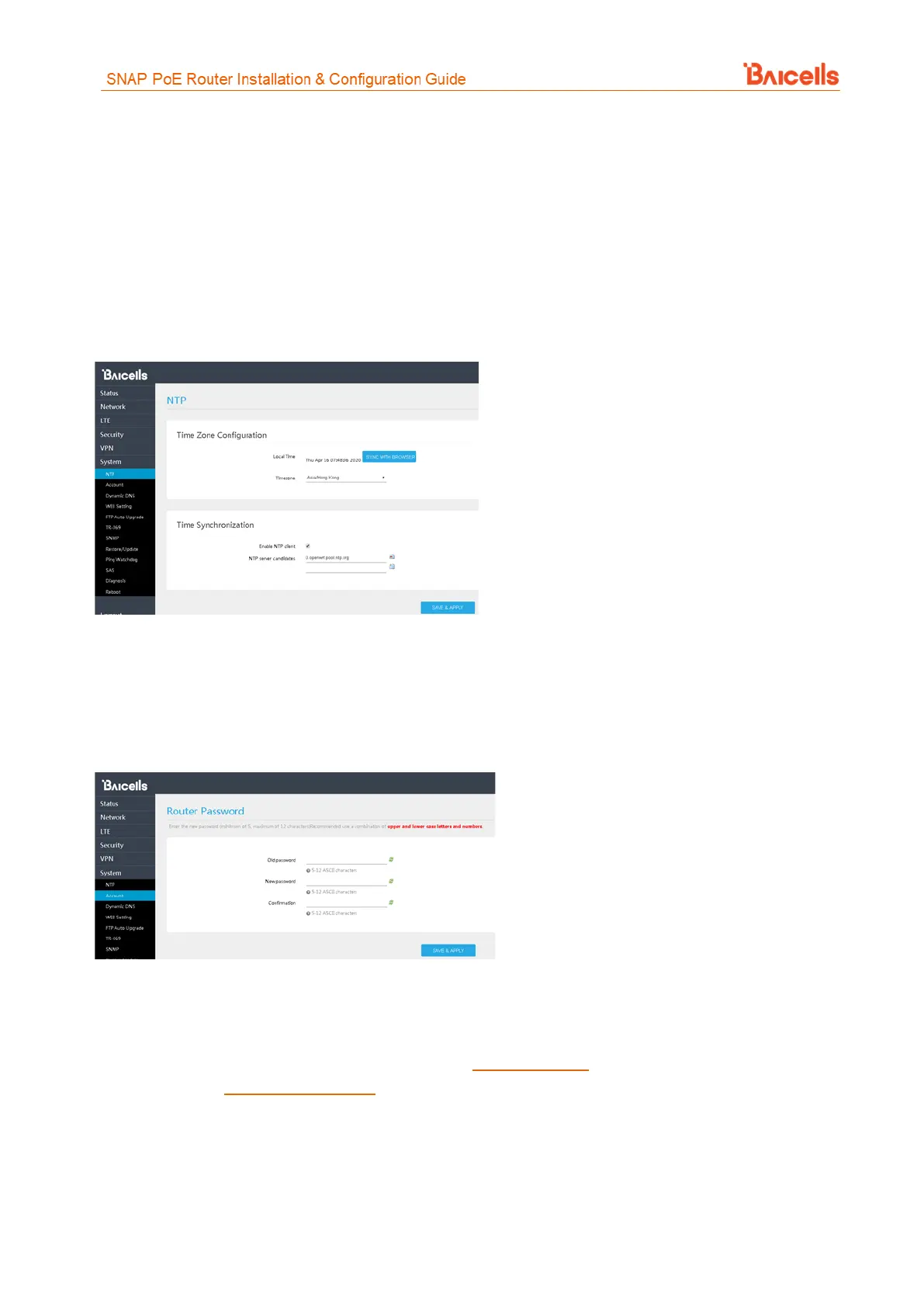
The operator's network may use up to 4 Network Time Protocol (NTP) servers to provide correct time-of-day
to network devices. In the CPE GUI you can refresh the local time display using the SYNC WITH BROWSER
button; select the time zone that the CPE is in; and enable NTP client to use the default or specified NTP
servers for synchronization (Figure 51).
Figure 51: NTP
3.9.2 Account
This menu is used to change the login password for the CPE (Figure 52). The password must be 5 to 12
characters. Baicells recommends using a combination of upper- and lower-case letters and numbers.
Figure 52: Account
3.9.3 WEB Setting
WEB Setting provides the ability to configure and manage the CPE remotely (Figure 53). This is especially
helpful when a user calls in for technical assistance. In section 3.3 Login, you used this Web application with
the default URL of http://192.168.150.1. Refer to Table 15 for a description of each field.



 To Next Page