24
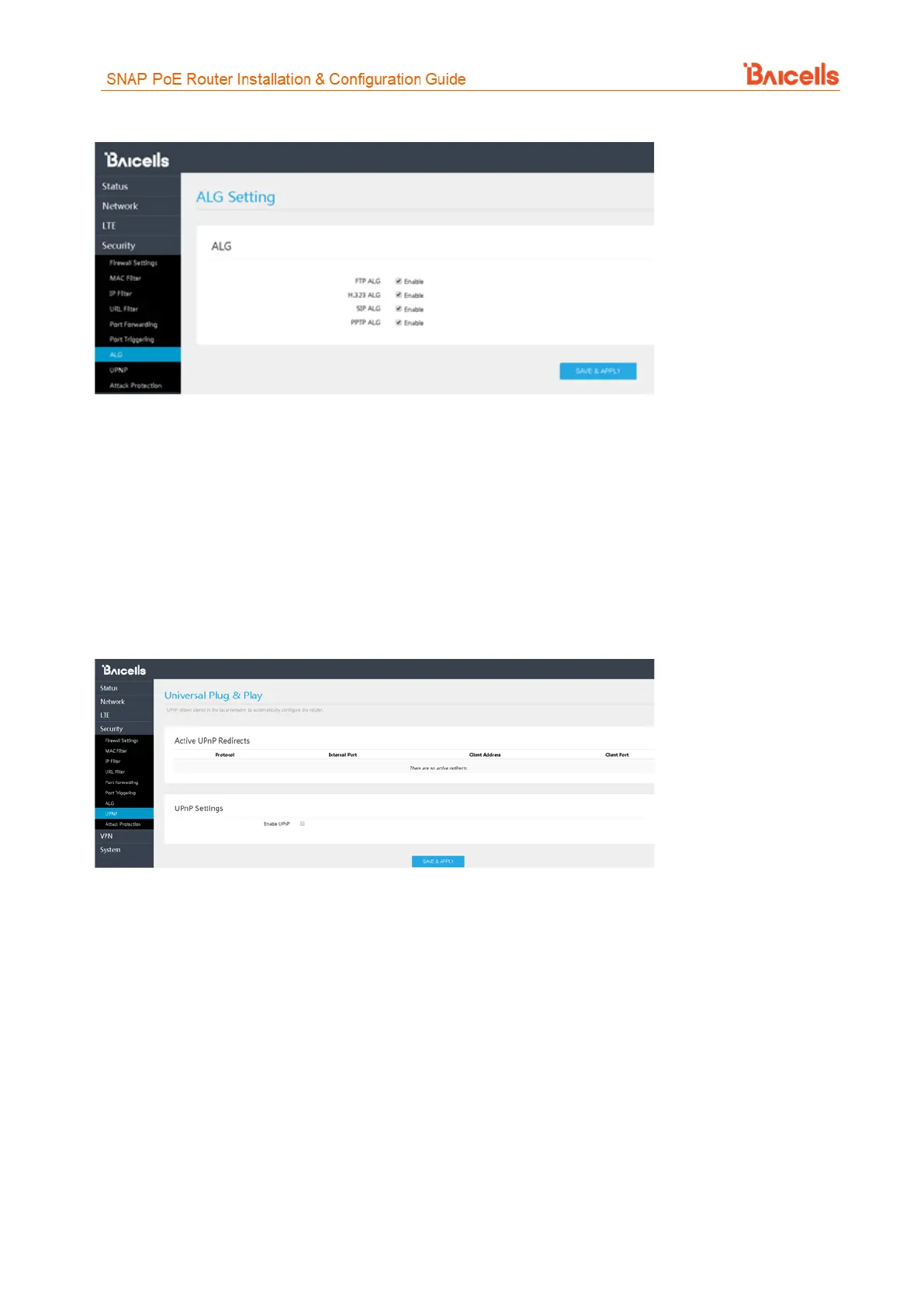
Figure 39: ALG
3.7.8 UPnP
The Universal Plug & Play (UPnP) function provides a set of networking protocols that allows device-to-device
networking on a local network. When UPnP is enabled, devices seamlessly and dynamically discover each
other’s presence on the network and attach to one another and to network services. Often, UPnP is used for
streaming media between devices on the network.
Go to Security > UPnP to enable the CPE to be searched by other devices (Figure 40). Once enabled, any
redirects of traffic will display in the Active UPnP Redirects section of the window.
Figure 40: UPnP
3.7.9 Attack Protection
The Attack Protection settings provide an additional security measure that helps prevent computer hacker
attacks such as TCP SYN FLOOD, UDP FLOOD, and IMCP FLOOD for devices connected to the network through
the CPE.
In the Security > Attack Protection window (Figure 41), select the check box next to the flood protection
options you want to enable. When you click the check box, the field on the right becomes editable. Accept
the default timer value, in seconds, or enter a value for each type of attack protection.



 To Next Page