3
2.2 LEDs
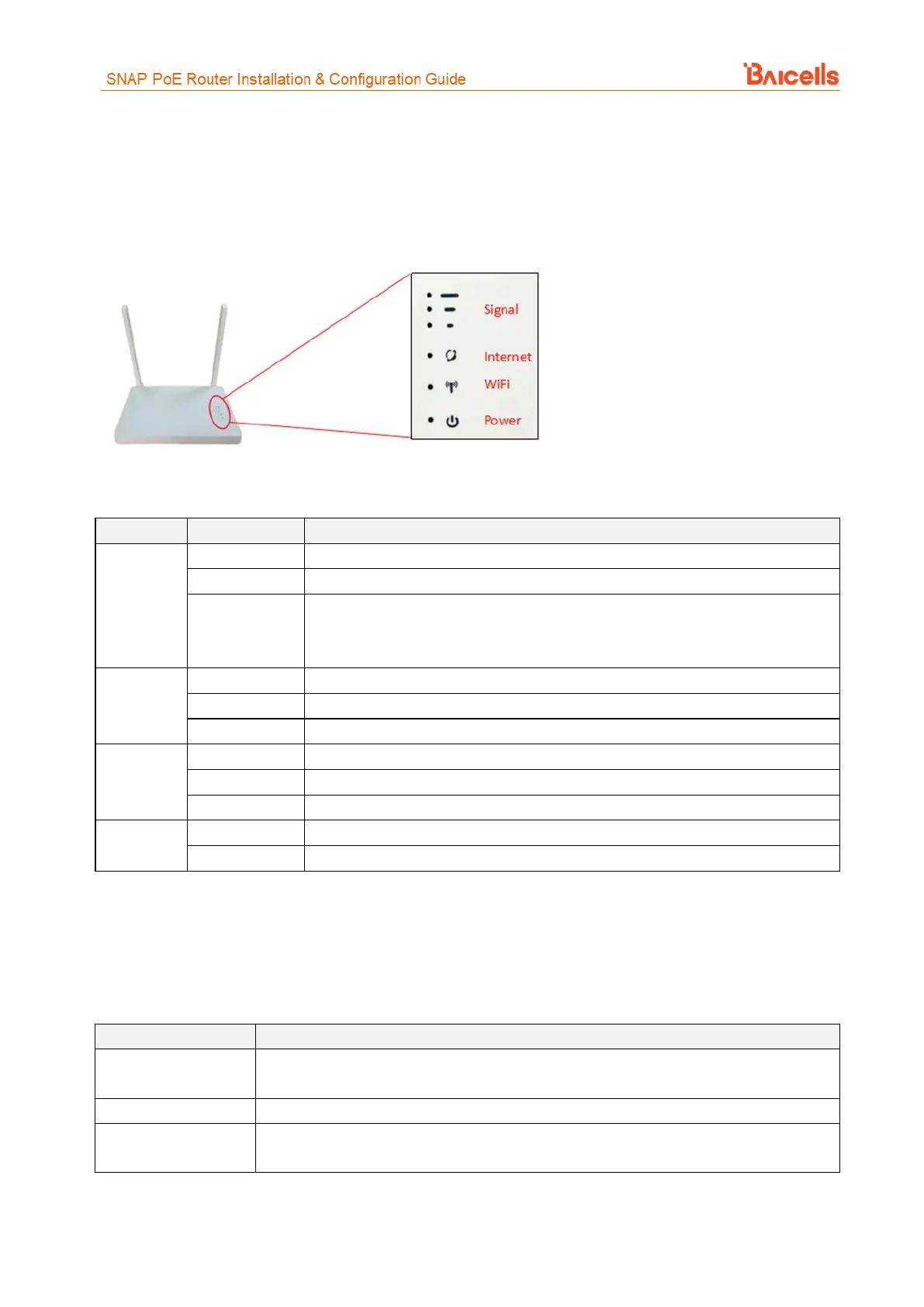
On the front of the router are 4 LED indicators for signal level, Internet connection status, Wi-Fi status, and
power (Figure 4). Refer to Table 2 for a description of each LED.
Figure 4: LEDs
Table 2: LEDs
The more "bars" lit up, the stronger the LTE signal
1 "bar" blinking means the unit is scanning the LTE network
2 "bars" blinking means the unit is attaching to the LTE network
3 "bars" blinking means the unit is attached to the LTE network
The unit is connected to the LTE network
The unit is not connected to the LTE network
The unit is trying to connect to the LTE network
Wi-Fi is enabled and working
Wi-Fi is disabled, not working
There is no power supply to the unit
2.3 Materials
Before installing the router, prepare the materials listed in Table 3.
Table 3: Materials
Outdoor Shield CAT5E, shorter than 330 feet. Connects the CPE PoE port and the router
WAN port.
Supported LTE ODU
CPE device
Baicells CPE model EG7035E, EG7035L, EG7010A, EG7010C, or EG8050A with
corresponding firmware



 To Next Page