38
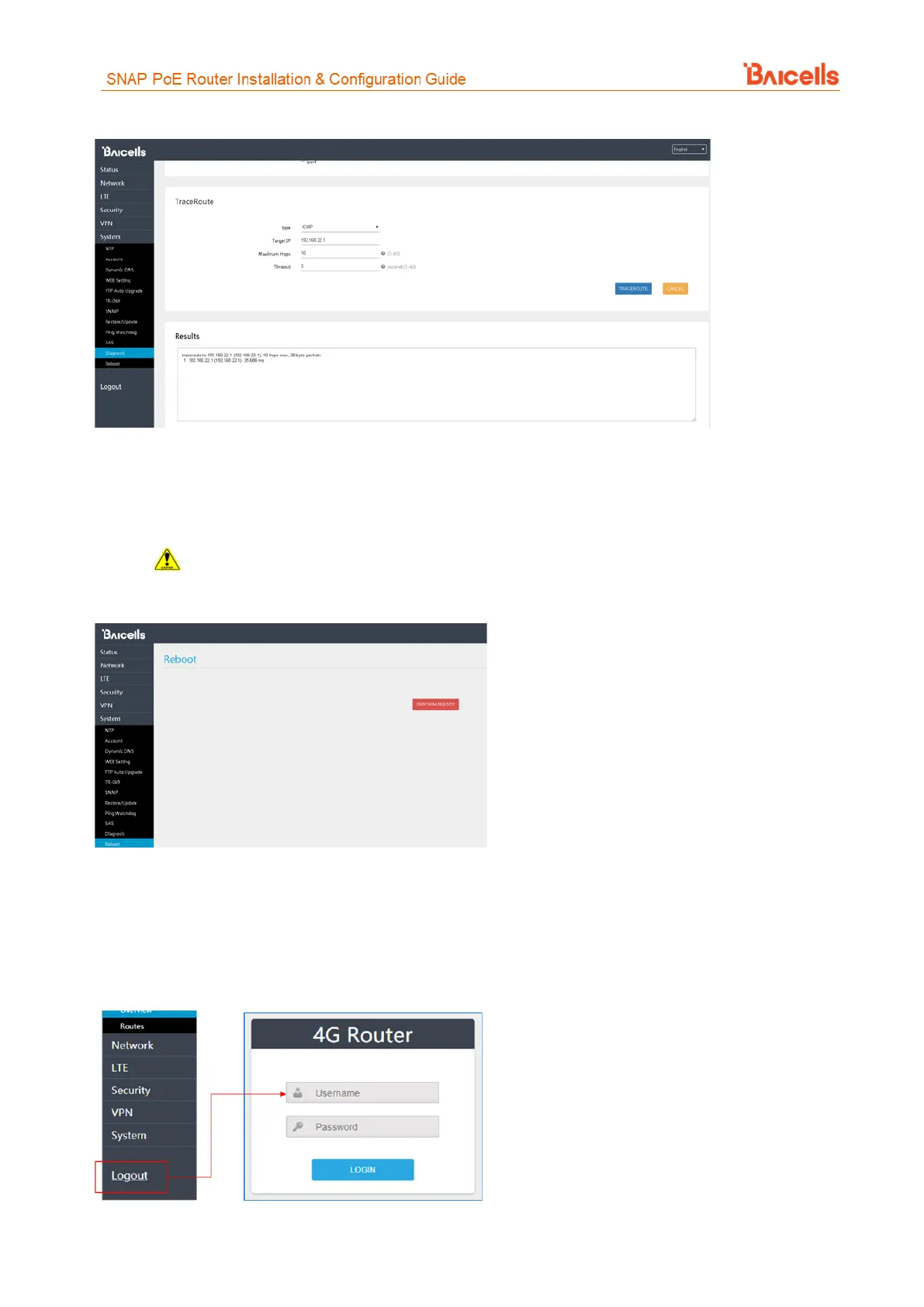
Figure 61: Traceroute
3.10 Reboot
Use the Reboot menu to perform a reboot of the CPE, as shown in Figure 62. It can take several minutes for
the reboot to complete. After it reboots, the CPE GUI will display the login screen.
Caution: The reboot action will disrupt service.
Figure 62: Reboot
3.11 Logout
When you click on the Logout menu, you are automatically logged out of the CPE and returned to the login
screen (Figure 63).
Figure 63: Logout



 To Next Page