3.9.4 FTP Auto Upgrade
The FTP Auto Upgrade feature is used for over-the-air (OTA) upgrades. The CPE will detect a new version of
firmware on the dedicated FTP server, if available, and will automatically upgrade to the new version.
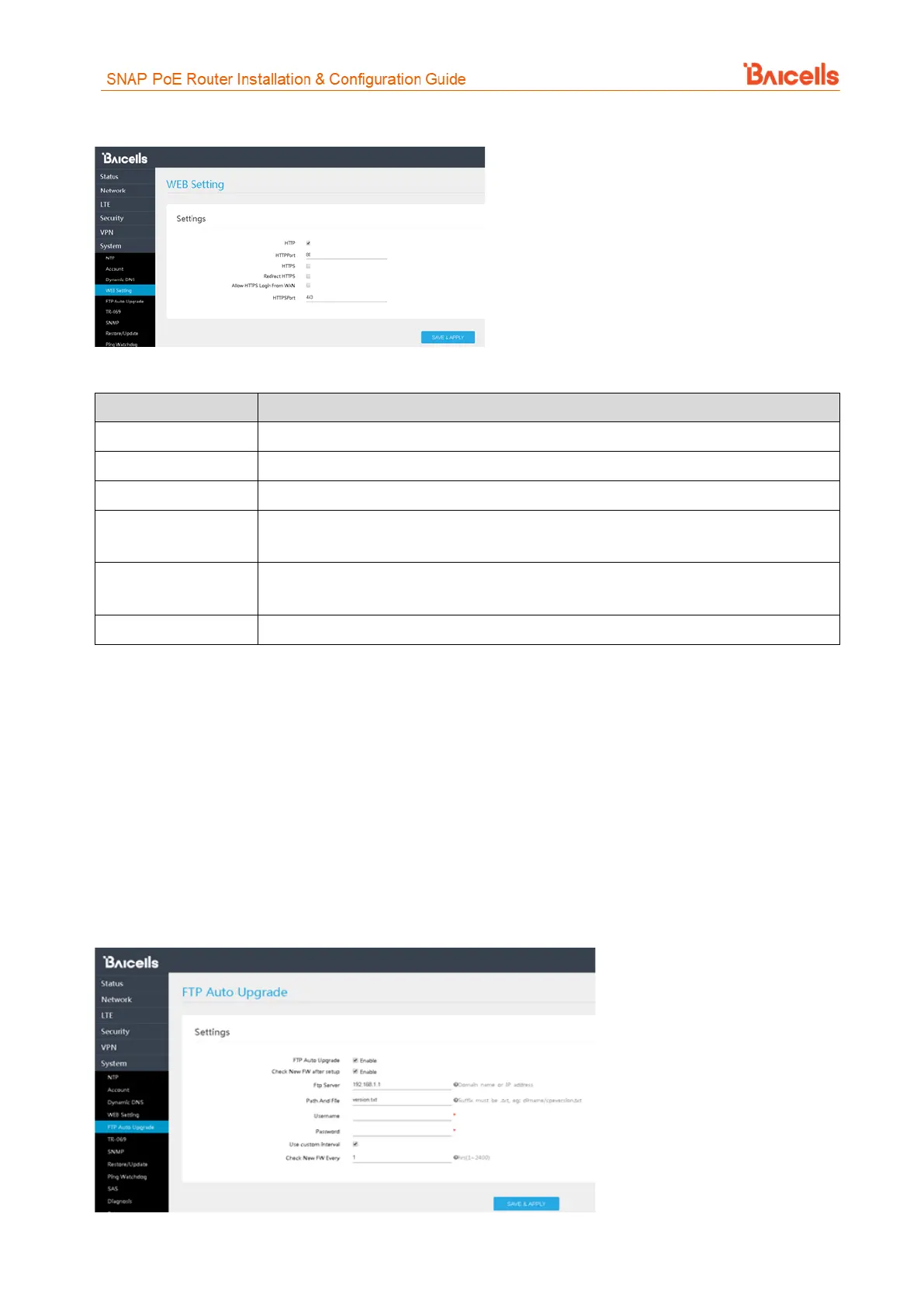
If you are using a dedicated FTP server for this purpose, select the Enable check boxes next to FTP Auto
Upgrade and Check New FW after setup (Figure 54). Enter the FTP server IP address and the Path And File
text suffix. If login permissions are required to access the server, enter the username and password. To
configure a set interval for the CPE to check the server for new firmware, select the check box next to Use
custom Interval and enter the interval time, in hours. The range is 1-2400 hours.
Figure 54: FTP Auto Upgrade



 To Next Page