4-1
4. Method Menu
4.1
Load/Save Method
This allows an experimental
Method
(.MOD) to be
Load
ed or
Save
d. Method files
contain the parameters entered in for the
Method
and
Control
menus, and the
Results Options
. These operations are performed using standard Windows file dialog
boxes.
4.2
Select Mode
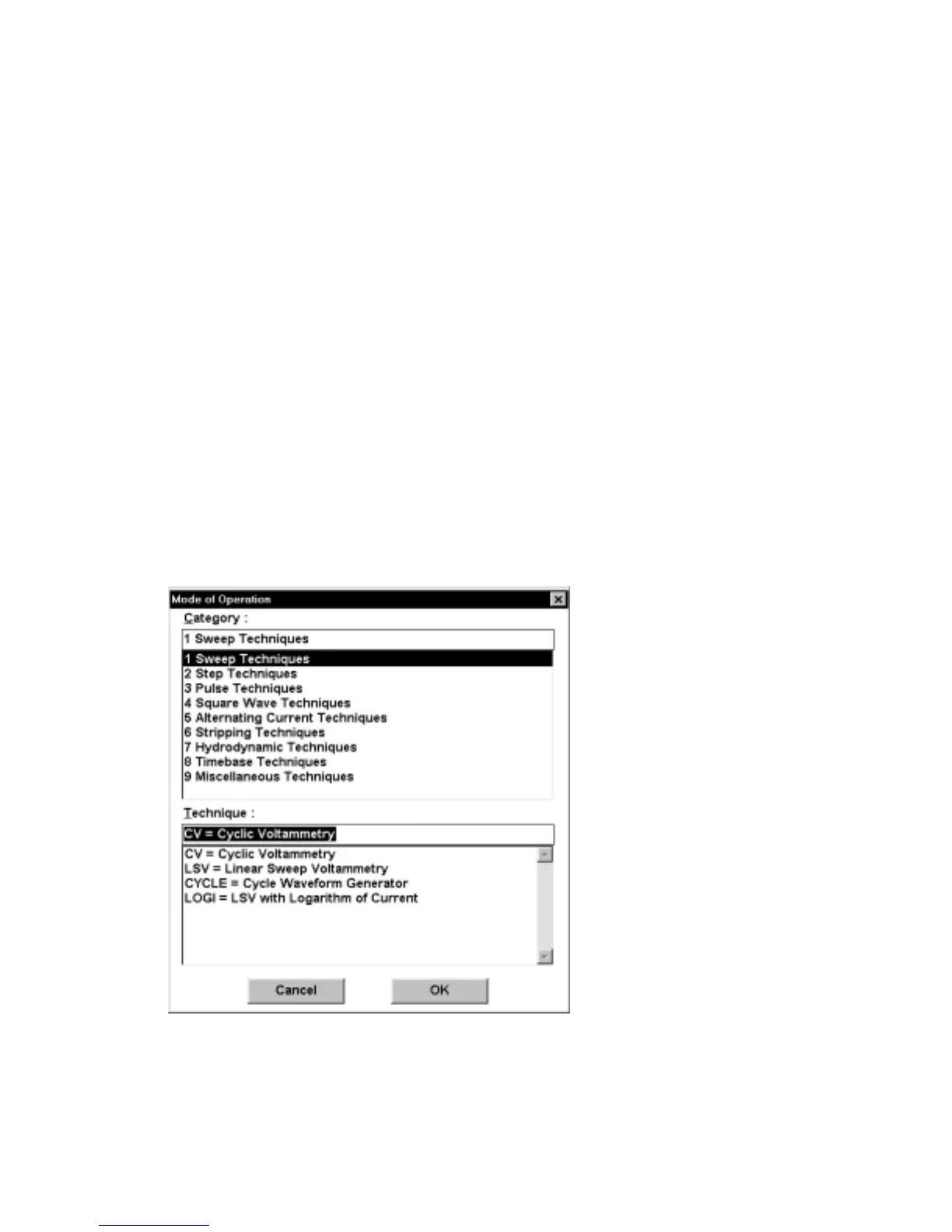
There are 38
Technique
s available on the BAS 100B/W, which are divided into 9
Categories
. When a given
Category
is highlighted, the modes associated with that
Category are displayed in the
Technique
list box (Figure 4-1). The required
technique can then be selected. After selection, the
General Parameters
dialog box
is automatically opened (Figure 4-2).
Figure 4-1. Select Mode
dialog box.



 To Next Page