5-9
Fi
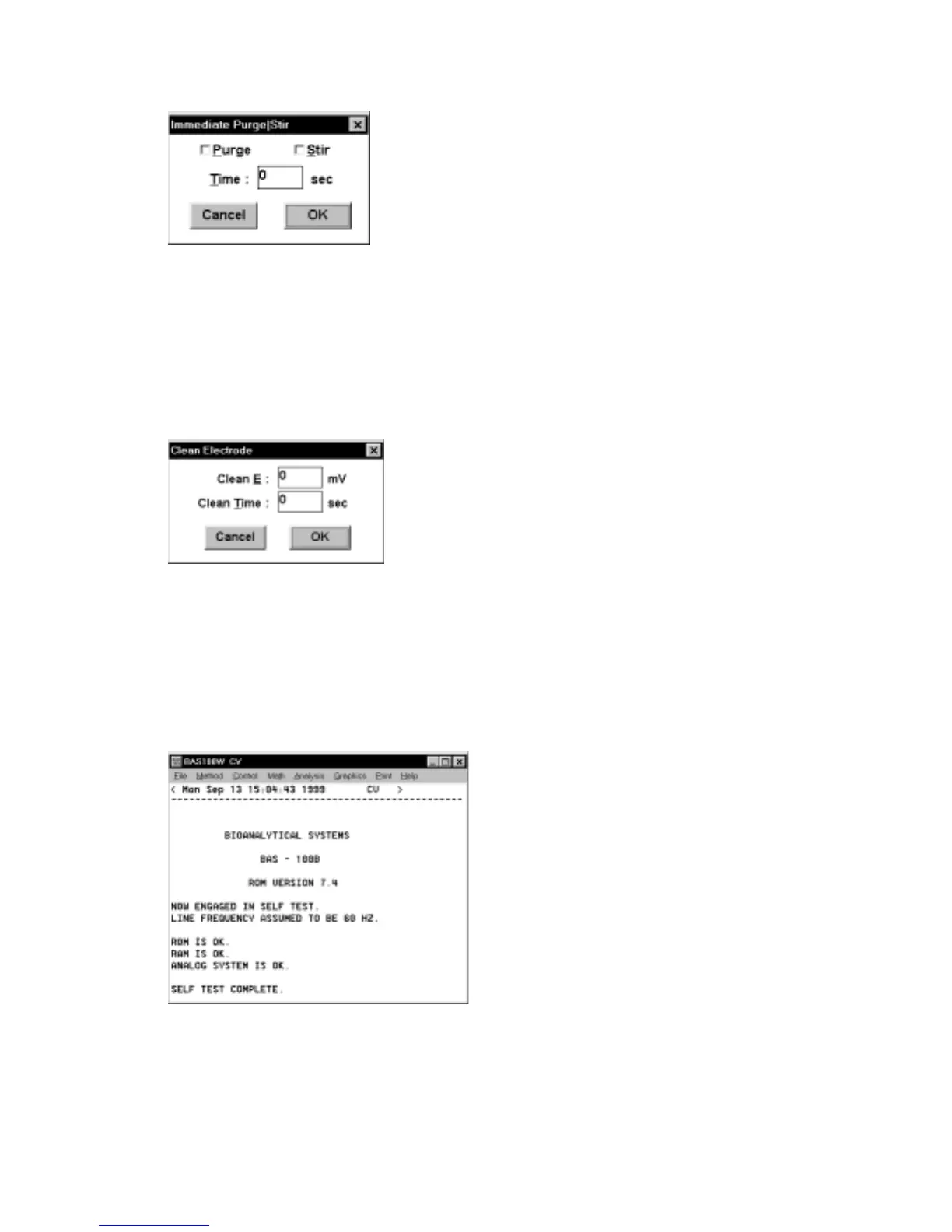
gure 5-7. Immediate Purge/Stir dialog box.
5.11 Clean Electrode
The Clean command is used to hold the electrode at a fixed potential for a set length
of time without accumulating any data. This can be useful for generating clean,
reproducible working electrode surfaces.
Figure 5-8. Clean Electrode dialog box.
5.12 Self-Test Hardware
This command initiates the potentiostat electronic self-test. The results of the test are
displayed in the Main window (Figure 5-9).
Figure 5-9.
Self-Test Hardware
result.



 To Next Page