3-1
3. File Menu
3.1
File Dialog Box
The BAS 100W software uses standard Windows file dialog boxes for transfer of
data files between disk drives and the main memory and for other file manipulation.
The
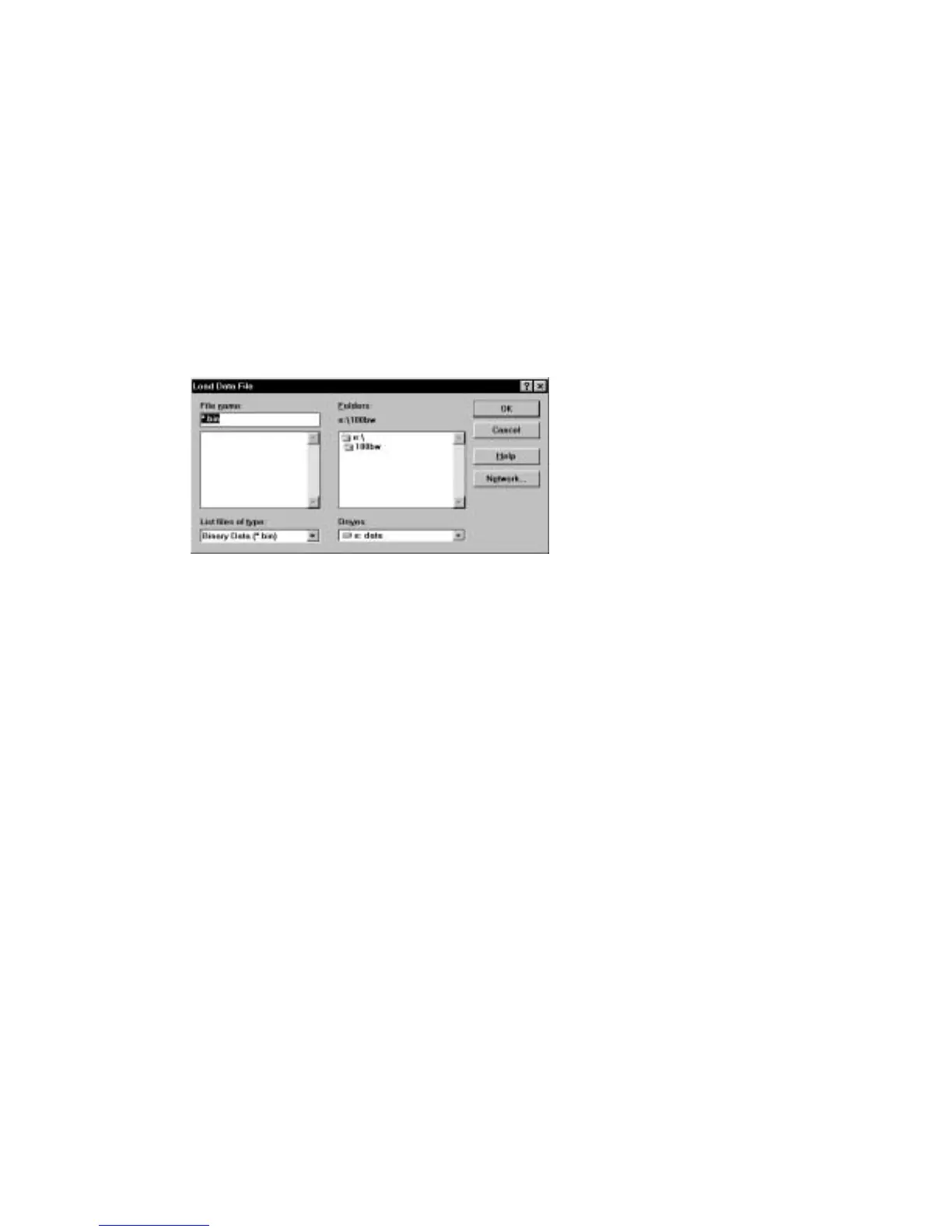
Load Data
File
dialog box is shown in Figure 3-1.
Figure 3-1. File
dialog box.
File Name
This field is used to specify the name of the file, which can
be either typed or selected from the
File List box
below.
Once the file name is shown in the field, click
[OK]
to
activate the selected operation.
File List box
This list box lists all files of the type specified in the
List
Files of Type
field from the sub-directory selected in the
Directories List
field. To select a file, double-click on the
file name or click on the file name and then click
[OK]
.
To select two or more data files (for commands that accept
multiple files), drag the mouse over the desired files names
or hold down the
<Shift>
key as you select the first and
last files in the group. If the files are separated, hold down
the
<Ctrl>
key while selecting. Multiple files must be in
the same directory.
List Files of Type
BAS 100W recognizes its own files by using specific
extensions, such as .BIN, .TXT or .MOD. If only one
extension type is permitted, then that type of file is selected
automatically. When more than one type of file is allowed,
the program initially selects the previous choice, but allows
selection of the alternate file types.



 To Next Page