5-8
5.9 Measure Impedance
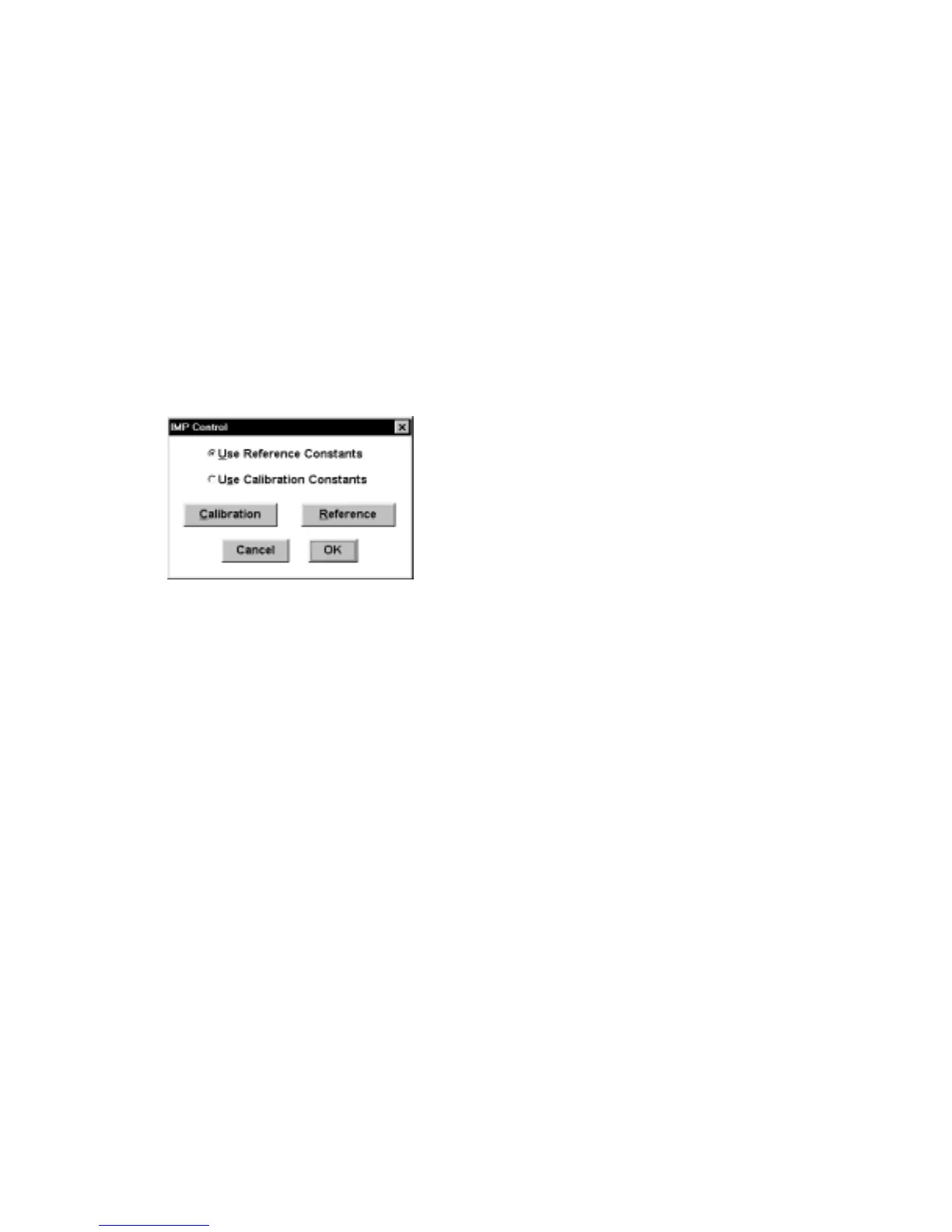
This command is used to calibrate the BAS 100B/W for impedance experiments
(BAS Impedance Module required). This calibration requires a 1000 ohm resistor,
which is connected to the working electrode on one side and the reference and
auxiliary electrodes on the other. The Initial E (in the General Parameters) must be
set to zero. The Reference command button calibrates the entire frequency range,
using the default parameters. The results are stored in a calibration table in battery-
backed RAM, so the Reference procedure does not have to be repeated for the
lifetime of the battery. This calibration requires many hours, so is best done
overnight. If the Impedance Module was purchased with the BAS 100B/W, this
operation was done in the factory before shipping. If not, it must be done by the user.
Figure 5-6. Impedance Control dialog box.
The Calibration command button generates a special calibration table to be used
under a given set of user-defined conditions (e.g., frequency range, amplitude).
However, this calibration table is not stored in battery-backed RAM, and is lost when
the main power is switched off. Once the calibration tables have been set up, either
may be used (select the Use Reference/Calibration Constants).
During calibration, numerical values are displayed in the Run window. These values
are meaningless, and should be ignored. Once the calibration has been completed,
close the Run window and click OK.
5.10 Immediate Purge/Stir
The Immediate Purge/Stir command allows stirring and/or purging for a set length
of time. Purging and stirring can be coupled by checking both boxes in the dialog
box.



 To Next Page