6-5
6.5
Background
This command can be used to subtract a voltammogram stored on the hard disk from
the voltammogram in the main memory. The data file for subtraction is selected from
the
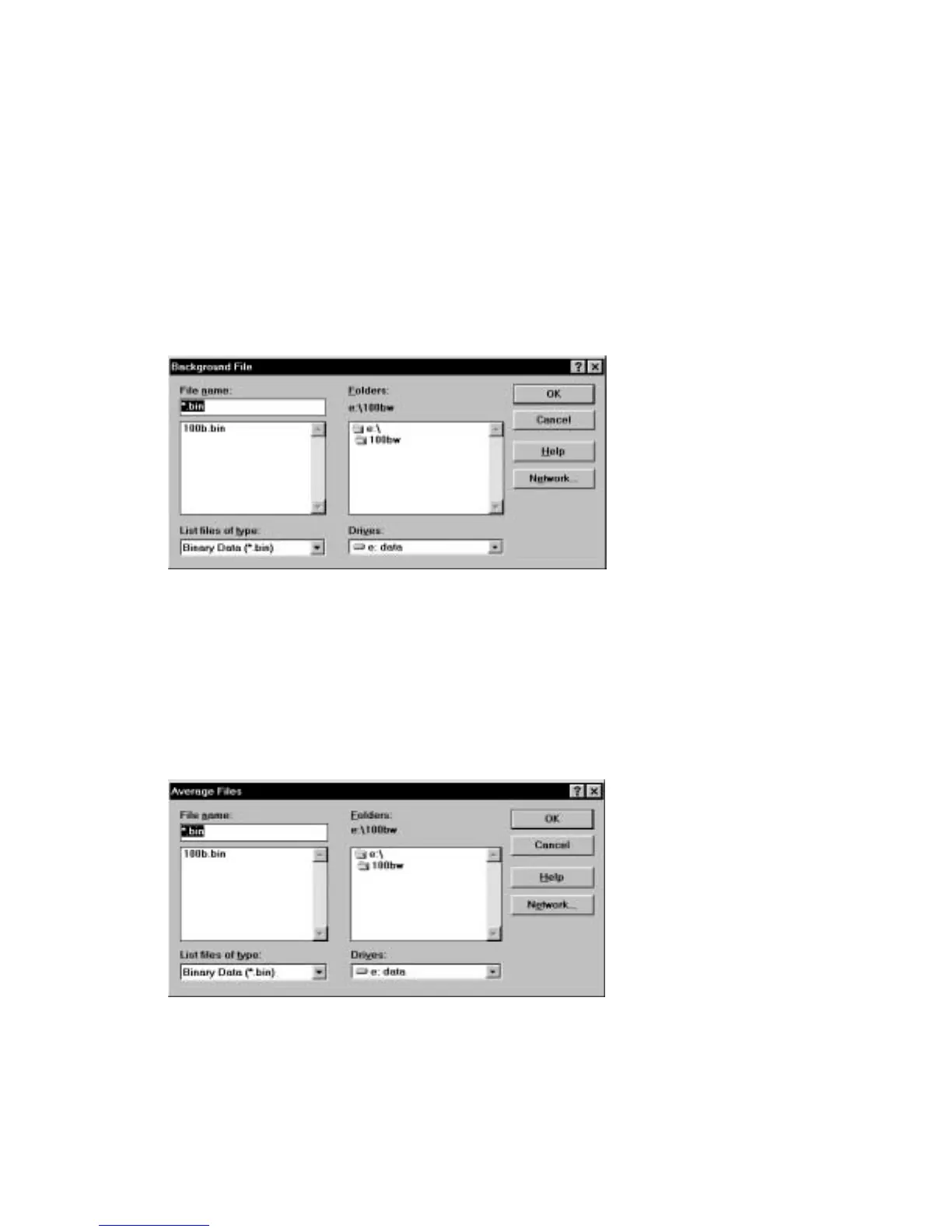
Background File
dialog box (Figure 6-5) (for a more detailed discussion of file
dialog boxes, see the
File
menu section). The potential range of the two
voltammograms MUST be the same. The subtracted data can be transferred to main
memory using
Replace Current Data
.
Figure 6-5. Background File
dialog box.
6.6
Average
This command is used to average data files. Up to 100 files can be selected (from the
Average Files
dialog box (Figure 6-6) - see
File
menu section for a more detailed
description of file dialog boxes).
Figure 6-6. Average Files
dialog box.



 To Next Page